Conversion Rate Optimisation Audit: A Step-by-Step Guide
Learn how to conduct a complete conversion rate optimisation audit. This guide covers data analysis, user testing, hypothesis creation, and A/B testing.

Traffic is coming in. Paid spend hasn't fallen off a cliff. The site looks fine at a glance. Yet conversion rate sits in the same narrow band month after month, and every internal discussion starts to sound the same. Change the hero. Test a shorter headline. Make the button green. Add more trust badges.
That usually means you don't have an ideas problem. You have a diagnosis problem.
A conversion rate optimisation audit is how you stop treating symptoms and start finding the actual leaks in the journey. Done properly, it shows where users drop, why they hesitate, and which fixes deserve design and development time first. It also forces discipline in a market where generic US-led advice often misses local realities like UK mobile behaviour, consent handling, and checkout expectations.
Beyond Guesswork The Framework for a Successful CRO Audit
When a team says, “We've tried a few tests and nothing moved,” I rarely assume the site is impossible to improve. I assume the tests were disconnected from the underlying problem. Random iteration feels busy, but it isn't a strategy.
The better approach starts with context. UK data from Statista (2025) shows online retail conversion rates averaging 2.8% but dropping to 1.9% for mobile traffic, with 30% of UK growth marketers citing "lack of local data" as a key barrier to optimisation (UXCam). That gap matters. If you audit a UK store using only broad global benchmarks, you'll miss the practical issues driving underperformance on local traffic, especially on mobile and in checkout.
What a useful audit actually does
A strong audit answers three commercial questions:
- Where are users dropping off
- Why they're dropping off
- What to fix first
That sounds obvious, but many audits fail because they overproduce observations and underproduce decisions. A long deck full of “consider improving clarity” isn't helpful. A short list of evidence-backed priorities is.
You also need to inspect the journey as a whole, not page by page in isolation. A weak product page can hurt add-to-cart rate. A messy cart can make acquisition look worse than it is. A consent setup can damage visibility into the funnel before you even start analysis.
Practical rule: If an audit doesn't end in a prioritised testing roadmap, it's research, not optimisation.
Why UK and privacy-first context changes the process
Older CRO playbooks assumed abundant tracking, clean attribution, and simple browser-level targeting. That isn't the environment prevalent now. Consent choices, cookieless measurement constraints, and stricter expectations around privacy all affect how much certainty you can get from your analytics stack.
That's why I treat a CRO audit as part performance review, part measurement review, part UX review. If your tracking is patchy, your conclusions will be too. If your tests rely on heavy scripts that hurt page experience, you can end up introducing new friction while trying to remove old friction.
For Shopify teams, a lot of value comes from closely identifying Shopify checkout friction points before touching templates higher up the funnel. If users already intend to buy, checkout friction is often where the most expensive leaks sit.
For a useful companion process, it also helps to pair CRO thinking with a broader user experience audit approach, because some conversion losses are really usability failures wearing a revenue mask.
Laying the Foundation with Quantitative Data
Numbers come first, because they tell you where to look. Not what to change yet, but where attention is justified.
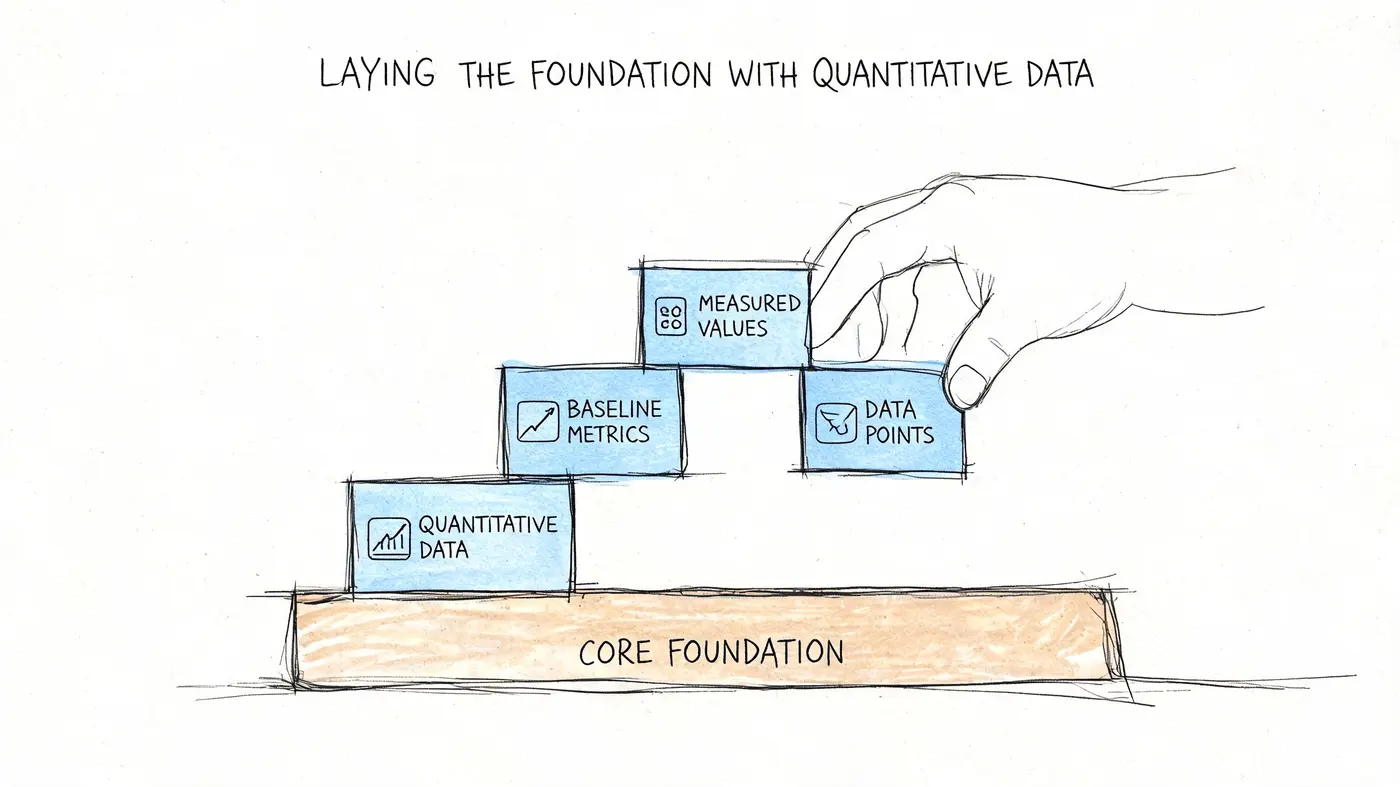
In most audits, I start in GA4 or the platform's native analytics and resist the urge to jump straight to page redesign ideas. The first pass is mechanical. Identify the pages, devices, and channels most tied to revenue or lead generation. Then isolate where performance breaks.
For many UK e-commerce brands, funnel drop-offs occur at a staggering 70% in the checkout stages, while typical bounce rates on landing pages sit between 40-50% (SQ Magazine). Those benchmarks don't tell you your site is broken on their own. They give you a baseline for spotting pages and flows that are clearly lagging.
The reports worth checking first
A conversion rate optimisation audit gets sharper when you pull a small set of reports with clear intent.
- Landing page performance: Look for high-entry pages with bounce rates above the range you'd expect for intent and traffic source.
- Device segmentation: Separate mobile, desktop, and tablet early. Blended averages hide real problems.
- Channel quality: Compare organic, paid, email, direct, and referral traffic by conversion behaviour, not just by volume.
- Checkout funnel progression: Review where users leave between cart, shipping, payment, and confirmation.
- Form completion paths: For lead gen or account creation, inspect starts versus completions at field and step level.
A lot of teams stare at top-line conversion rate for too long. That metric is useful for management reporting, but it's too blunt for diagnosis. A store can have an acceptable sitewide rate while one paid landing page is wasting budget every day.
What to flag in your first pass
When I audit quantitative data, I'm usually hunting for asymmetry. One channel converts far better than another. One device underperforms. One template type leaks users. That asymmetry creates hypotheses later.
A quick shortlist helps:
| Audit area | What to look for | Why it matters |
|---|---|---|
| Landing pages | High traffic with weak engagement | Fastest place to recover wasted acquisition spend |
| Product or service pages | Strong traffic but weak progression | Often a messaging or information gap |
| Cart and checkout | Sharp fall between steps | Usually friction, trust, cost surprise, or UX confusion |
| Mobile journeys | Much weaker progression than desktop | Often layout, speed, readability, or form pain |
| Traffic sources | High spend, low conversion quality | Stops you optimising the wrong audience |
For teams with stronger data resources, it's often worth going deeper into optimizing e-commerce conversion rates via SQL so you can inspect patterns that standard dashboards flatten or hide.
Don't ask whether the site converts well. Ask which journeys convert badly enough to justify intervention.
Keep the analysis grounded in business value
Not every dip deserves action. A thinly trafficked blog page with odd engagement metrics may not matter. A paid landing page, pricing page, collection page, or checkout step almost certainly does.
That's why I map findings against commercial weight. Which pages influence first purchase? Which ones shape lead quality? Which ones carry meaningful traffic? If a page matters, benchmark it. If it leaks, investigate it. If it doesn't influence outcomes, move on.
For teams that need a sense of what normal traffic and engagement patterns can look like before judging anomalies, this overview of visitor statistics for websites is a useful reference point.
Uncovering the 'Why' with Qualitative Insights
Quantitative data tells you where users leave. It doesn't tell you what they were thinking seconds before they left.
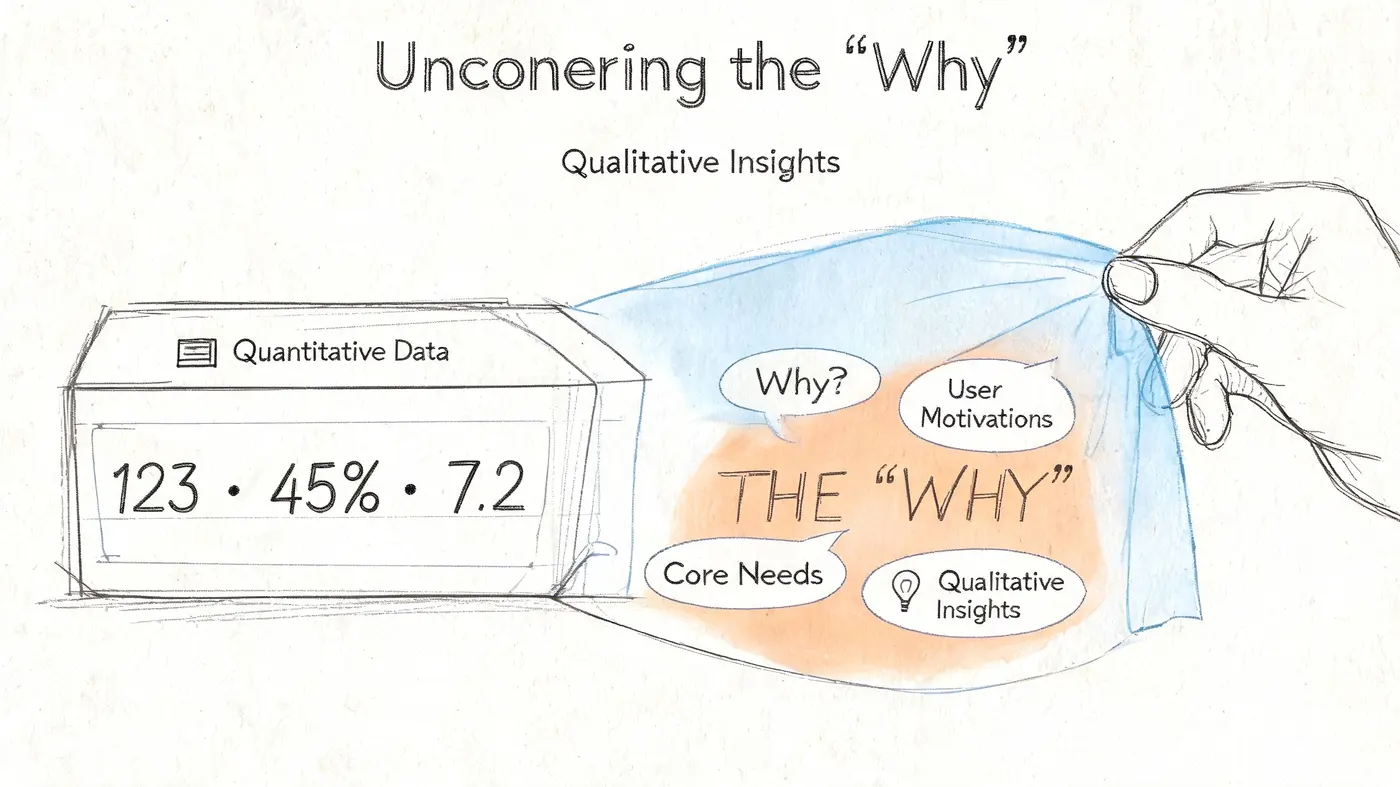
Many first-time auditors make a key mistake. They stop at the dashboard, decide a page is weak, and prescribe a redesign. But dashboards don't show confusion. They don't show hesitation. They don't show someone tapping a disabled button, scrolling back up for delivery information, or abandoning a form because a postcode field keeps rejecting valid input.
Data shows form abandonment can be as high as 81% before optimisation (VWO statistics). That's exactly why session replays, heatmaps, form analytics, and short on-site surveys matter. You need to see the struggle, not just count it.
What session replays usually reveal
A replay review should never become random clip-watching. Pick a pattern from your quantitative analysis first, then watch sessions that match it.
If mobile users bounce from a paid landing page, watch mobile sessions from that page. If users reach checkout but don't submit payment, watch those sessions. Keep the sample focused.
Common friction patterns show up quickly:
- Mismatch after ad click: The landing page doesn't answer the promise made in the ad.
- Buried reassurance: Delivery, returns, stock, or VAT clarity appears too late.
- Navigation hesitation: Users bounce between menus because they can't classify products or services confidently.
- Form struggle: Users retype fields, abandon halfway, or stall on one required input.
- CTA blindness: People scroll, inspect, and never act because the primary next step doesn't stand out.
One of the most useful moments in an audit is when the replay confirms the analytics suspicion. A bounce rate says “weak landing page.” Five replays say “users can't tell what this offer includes.”
Heatmaps and scroll maps are context tools, not verdicts
Heatmaps are great for spotting ignored elements and attention clusters. They're poor at answering everything on their own.
If users click a non-clickable element, that's useful. If few users scroll to your trust content, that's useful too. But neither insight means “move everything above the fold” by default. It means ask whether the sequence of information matches the decision the user is trying to make.
A practical review often includes:
- Click maps to spot misdirected intent
- Scroll maps to see whether key content is even being seen
- Attention patterns around pricing, delivery, guarantees, and primary CTA areas
- Form analytics for where completion collapses
If you need a primer on how to read these tools without overinterpreting them, this guide to heat maps on websites is worth keeping nearby.
The best qualitative finding is specific enough to rewrite the page brief, not just criticise the design.
On-site surveys work when the question is narrow
Survey fatigue is real. If you ask broad questions like “How can we improve this page?” you'll get vague complaints and personal preferences.
Ask about the moment of decision instead. For example:
| Survey prompt | What it helps uncover |
|---|---|
| What information is missing before you can continue? | Missing reassurance or product details |
| What almost stopped you from completing your order? | Trust, pricing, delivery, or checkout friction |
| What were you expecting to find on this page? | Message mismatch from ads or search |
| What made this harder than expected? | Hidden usability issues |
The goal isn't to let customers design the site. It's to capture objections in their own language.
Watch for privacy-first blind spots
In the UK, privacy constraints can distort what you can and can't infer from analytics alone. That's another reason qualitative work matters more now. When tracking becomes less complete, observing behaviour directly becomes more important.
If you can't rely on perfectly attributed user paths, you can still inspect how real people interact with the experience they were given. That doesn't replace clean analytics. It complements them when certainty is lower.
From Insight to Actionable Hypothesis
Most audits die here. Teams gather evidence, nod at the findings, then produce a backlog full of vague tasks such as “improve product page” or “make checkout clearer”.
That isn't a testing programme. It's a wish list.
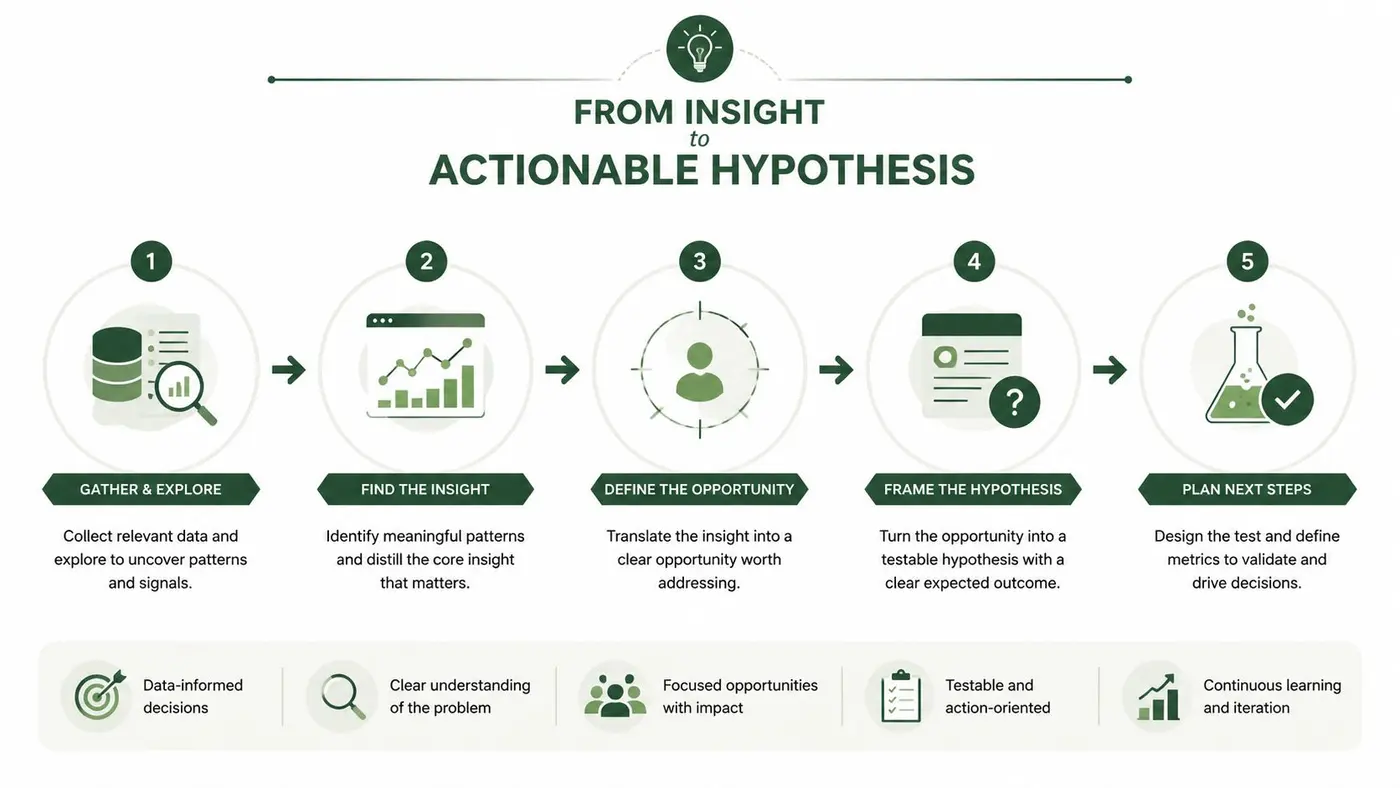
The next move is to translate evidence into a proper hypothesis. A good one has three parts:
If we change something specific, then a measurable outcome should improve, because the audit evidence suggests a clear behavioural reason.
A simple formula that holds up
Here's a structure I use because it forces clarity:
- Change: what you'll alter
- Outcome: what metric should move
- Reasoning: the user behaviour behind the expected lift
Examples:
- If we rewrite the primary CTA to clarify the next step, then more users should progress from the landing page, because replay review showed hesitation around what happens after the click.
- If we move delivery and returns reassurance closer to the add-to-cart area, then more shoppers should add products to basket, because users repeatedly scrolled for logistical information before abandoning.
- If we reduce optional fields in the lead form, then more users should complete submission, because form analytics showed repeated exits before final completion.
That last clause matters. Without the “because”, teams smuggle in opinions and call them strategy.
Prioritise by value, not by volume of ideas
According to UK case studies, high-impact quick wins identified through a thorough audit, such as optimising a primary call-to-action, can yield conversion rate lifts of 20-30% (VWO audit guide). The reason this matters isn't that every CTA test will win. It's that disciplined prioritisation stops you wasting effort on cosmetic work while more obvious friction remains untouched.
I like ICE because it's simple enough for marketing, product, design, and development teams to use together.
Example ICE scoring framework
| Hypothesis | Impact (1-10) | Confidence (1-10) | Ease (1-10) | ICE Score |
|---|---|---|---|---|
| Rewrite primary CTA on paid landing page to clarify next step | 8 | 8 | 9 | 25 |
| Surface delivery and returns reassurance near add-to-cart | 9 | 7 | 7 | 23 |
| Simplify lead form by removing low-value fields | 8 | 9 | 6 | 23 |
| Redesign full product page layout | 7 | 5 | 3 | 15 |
| Rebuild navigation across the whole site | 6 | 4 | 2 | 12 |
This kind of table does two useful things. It lowers the volume of subjective debate, and it protects the team from jumping into expensive rebuilds before faster, evidence-backed changes have been tested.
A good hypothesis is narrow enough to test and strong enough to explain.
What usually deserves lower priority
Some ideas look exciting in workshops but don't belong near the top of the queue.
- Large redesigns without evidence: They bundle too many variables together.
- Brand-led tweaks with no behavioural signal: They may be valid later, but not as a first response.
- Changes to low-traffic pages: Even a strong win may take too long to validate.
- Tests that require major engineering effort for uncertain upside: Save those for when you've exhausted clearer wins.
The strongest audit output isn't “here are fifty ideas”. It's “here are the few changes most likely to create movement soon, and here's why”.
Running Trustworthy Experiments
A hypothesis isn't worth much if the test behind it is sloppy.
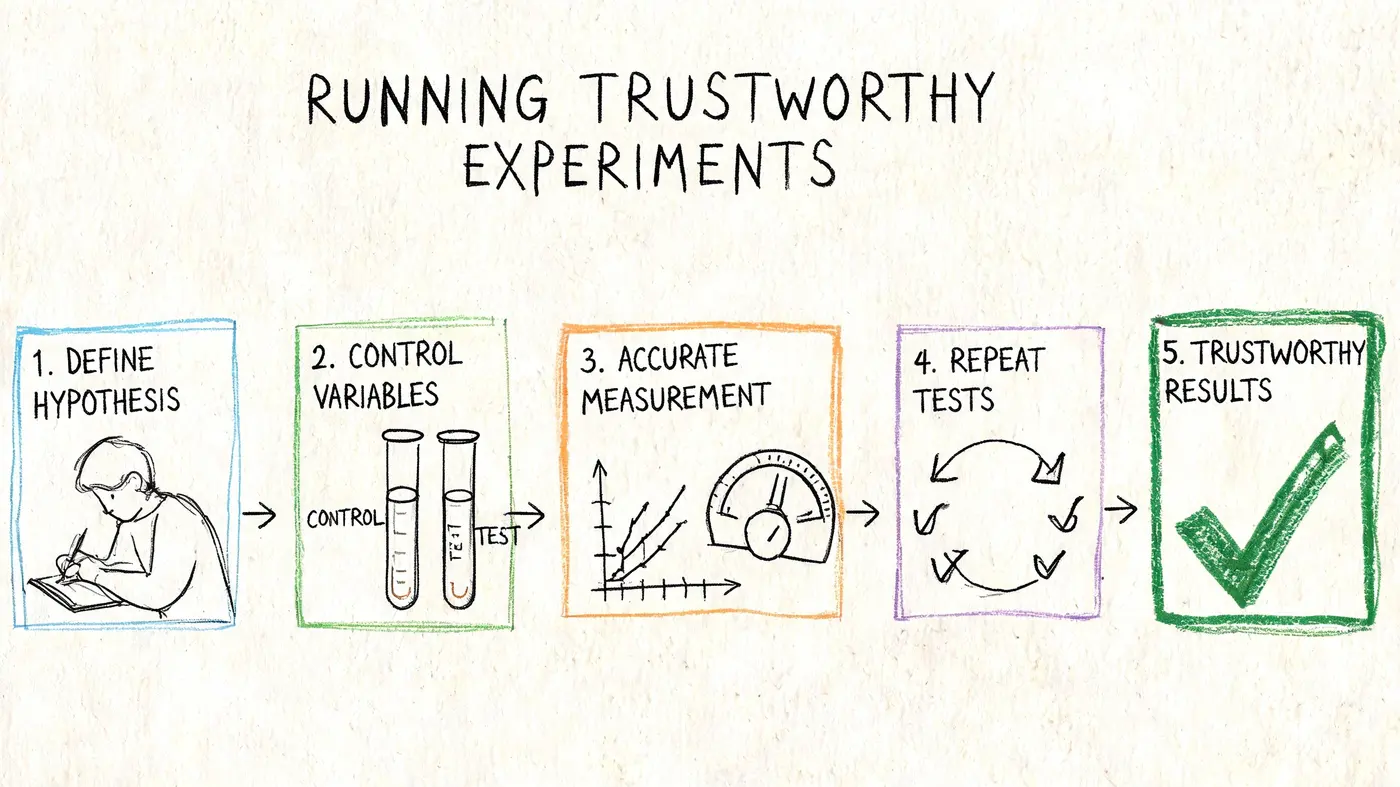
Many programmes lose credibility when someone sees a positive early result, calls the winner, ships it, and celebrates. A few weeks later the uplift disappears, or worse, revenue drops because the original read was noise.
A staggering 35% of A/B tests are stopped prematurely without reaching statistical significance. To ensure 95% confidence, a test often requires a minimum of 1,000 conversions per variant (Matomo). That should change how you approach testing from day one.
What makes a test trustworthy
A clean experiment has a few essential requirements:
- One primary objective: Don't judge one test by five competing KPIs.
- Stable audience split: Traffic allocation must stay consistent.
- Clear start and stop rules: Decide them before launch.
- Sufficient sample: Don't call results because the graph looks exciting.
- Technical cleanliness: The variant must load fast and display properly.
If you ignore any of those, you're no longer learning. You're gambling with better charts.
Common ways teams break their own tests
I see the same mistakes repeatedly.
| Mistake | What it causes | Better approach |
|---|---|---|
| Calling a winner too early | False positives | Wait for the required sample and confidence threshold |
| Changing the variant mid-test | Polluted results | Treat major edits as a new experiment |
| Testing too many elements at once | Unclear causality | Keep the hypothesis focused |
| Measuring only click-throughs | Shallow wins | Track the downstream business outcome too |
| Ignoring rendering impact | Added friction and weaker UX | Use lightweight implementation methods |
Revenue matters more than curiosity clicks. If Variant B gets more CTA clicks but fewer completed purchases, the test didn't win in any meaningful sense.
Define outcomes before launching
The best way to protect test integrity is to be explicit about success criteria.
Use a framework like this:
-
Primary metric
The main business outcome, such as completed purchase or lead submission. -
Secondary metric
A directional behavioural metric, such as add-to-cart or click-through. -
Guardrail metric
Something that shouldn't get worse, such as checkout completion quality, error rate, or revenue quality.
That structure prevents a common failure mode where teams optimise for micro-conversions that don't translate into business value.
Trust the discipline, not the first exciting spike in the dashboard.
Privacy-first testing needs extra care
In a cookieless and privacy-conscious environment, experimental discipline matters even more. Your measurement setup may be less forgiving, your attribution may be less complete, and stakeholders may be more anxious about uncertainty.
That doesn't mean testing is less useful. It means your process has to be cleaner. Keep variants simple, track first-party outcomes where possible, document assumptions, and resist “winner” calls based on partial evidence. Also verify that the testing implementation itself doesn't create flicker, layout shift, or consent-related data gaps that contaminate what you're trying to measure.
A conversion rate optimisation audit only earns trust inside a business when the experiments that follow it are credible. Otherwise every future recommendation gets treated as opinion.
Analysing Results and Building Your CRO Roadmap
When a test ends, the temptation is to sort it into one of two buckets. Winner or loser.
That's too simplistic. The better question is what the result taught you about user intent, friction, and message fit.
A clear win is the easiest case. Roll it out, document why it worked, and look for adjacent opportunities. A loss can still be useful if it disproves an assumption that was driving poor decisions. An inconclusive result often means the hypothesis was too weak, the change was too subtle, or the audience segment was too broad.
What to record after every test
Your documentation should be short enough that people will read it and structured enough that future teams can reuse it.
Capture:
- Original hypothesis: What you expected and why
- Audience and page context: Who saw the test and where
- Primary outcome: What happened against the success metric
- Behavioural notes: Any supporting signals from qualitative review
- Decision: Roll out, iterate, segment further, or retire the idea
- Follow-up idea: The next test that logically follows
This is how an audit turns into a programme. Without documentation, teams repeat failed ideas with different colours and call it learning.
Build a roadmap, not a pile of tests
A practical roadmap usually groups experiments by theme rather than by random page-level tweaks. That might include messaging clarity, trust and reassurance, mobile UX, form simplification, checkout friction, or traffic-source alignment.
The roadmap should also reflect resourcing reality. Some tests are easy enough for marketing to launch. Others need design support, analytics validation, legal review, or development input. If you don't account for that, the backlog becomes theatre.
Post-GDPR, UK Shopify stores adopting lightweight A/B testing tools saw conversions lift by 22% (Netalico). The important lesson isn't only the uplift. It's that privacy-compliant, low-friction experimentation creates momentum over time. Teams keep testing when implementation is manageable and results feel trustworthy.
For teams thinking beyond pure onsite changes, operational bottlenecks can also affect conversion and retention. On international stores serving German-speaking customers, for example, support load can shape buyer confidence. This piece on Support-Entlastung für deutsche Online-Shops mit KI is a useful example of how service operations and conversion performance can overlap.
The long-term view
A single audit is a snapshot. A healthy CRO programme is a loop.
You audit, prioritise, test, analyse, document, and repeat. Over time the organisation gets better at spotting weak assumptions early. Designers ask sharper questions. Paid teams care more about landing-page fit. Developers see which UX details affect revenue. Stakeholders stop asking for random button-colour tests because the process is stronger than personal preference.
That's the primary payoff.
Frequently Asked CRO Audit Questions
How often should I run a conversion rate optimisation audit
Run a deep audit annually if the site is stable and already has ongoing experimentation. Add lighter quarterly reviews if you're making frequent campaign, product, or site changes. The point isn't calendar purity. It's keeping your diagnosis current as user behaviour shifts.
What's the difference between a CRO audit and a UX audit
A UX audit focuses on usability and overall experience quality. A CRO audit is narrower and more commercial. It asks which usability, trust, content, and journey issues are suppressing conversion, lead quality, or revenue. In practice, good CRO work borrows heavily from UX analysis.
Do I need a developer to run tests
Not always. Copy, CTA, image, layout-order, and reassurance tests can often be launched without deep engineering support if your testing setup is flexible. Larger structural changes, checkout work, and more technical experiments usually need developer time. That's why prioritisation should always factor in implementation effort, not just potential upside.
What if my analytics are incomplete because of privacy constraints
That's increasingly common. Start by cleaning up the essentials, then lean harder on first-party measurement, funnel clarity, and qualitative tools like replays, heatmaps, and targeted surveys. Imperfect data doesn't make auditing pointless. It makes rigour more important.
If you want to turn your audit into clean, privacy-conscious experimentation, Otter A/B is built for that job. Its lightweight 9KB SDK loads in under 50ms with zero flicker, supports precise traffic splits, tracks purchases and revenue per variant, and uses a frequentist z-test engine at a 95% confidence threshold so you know when a result is ready to trust.
Stop guessing
Ready to start testing?
Set up your first A/B test in under five minutes. No credit card required.
- 14-day free trial
- No credit card required
- Cancel anytime