Top 10 Website Optimization Tools for 2026
Discover 2026's best website optimization tools. This guide covers A/B testing, CRO, & analytics to boost your site's performance, conversions, and revenue.
A familiar scenario. Paid campaigns are live, SEO is doing its job, and session volume looks healthy. Then the pipeline report comes in flat. People arrive, browse, hesitate, and leave.
That gap is usually a website problem, not an acquisition problem. Friction shows up in ordinary places. A slow product page. A CTA that asks for commitment before the page has earned trust. A form that feels longer than it is. A checkout flow with one too many moments to abandon.
Website optimisation is how teams fix those losses methodically. The job is not just to "improve the site." It is to identify where conversion drops, understand why it happens, and test changes without guessing. That usually means using more than one type of tool. Experimentation platforms answer, "Did this change improve results?" UX insight tools answer, "What is getting in the visitor's way?" You need both if you want a stack that helps revenue, not just reporting.
Speed and clarity matter here because they affect every channel. Better pages convert more of the traffic you already paid for. They also make search traffic more valuable once it lands. If your team is new to this discipline, this conversion rate optimization guide is a good foundation before choosing tools.
I treat optimisation tools by job-to-be-done. For straightforward A/B testing, the trade-off is usually speed versus control, and modern client-light tools such as Otter A/B are built to reduce flicker and setup overhead. Legacy testing platforms can still fit complex enterprise setups, but they often ask more from engineering and governance. For session replays, heatmaps, and journey analysis, the trade-off shifts toward depth of insight, data volume, and cost.
If you're trying to understand what visitors do once they arrive, this guide to e-commerce customer behavior analytics is a useful companion read.
1. Otter A/B
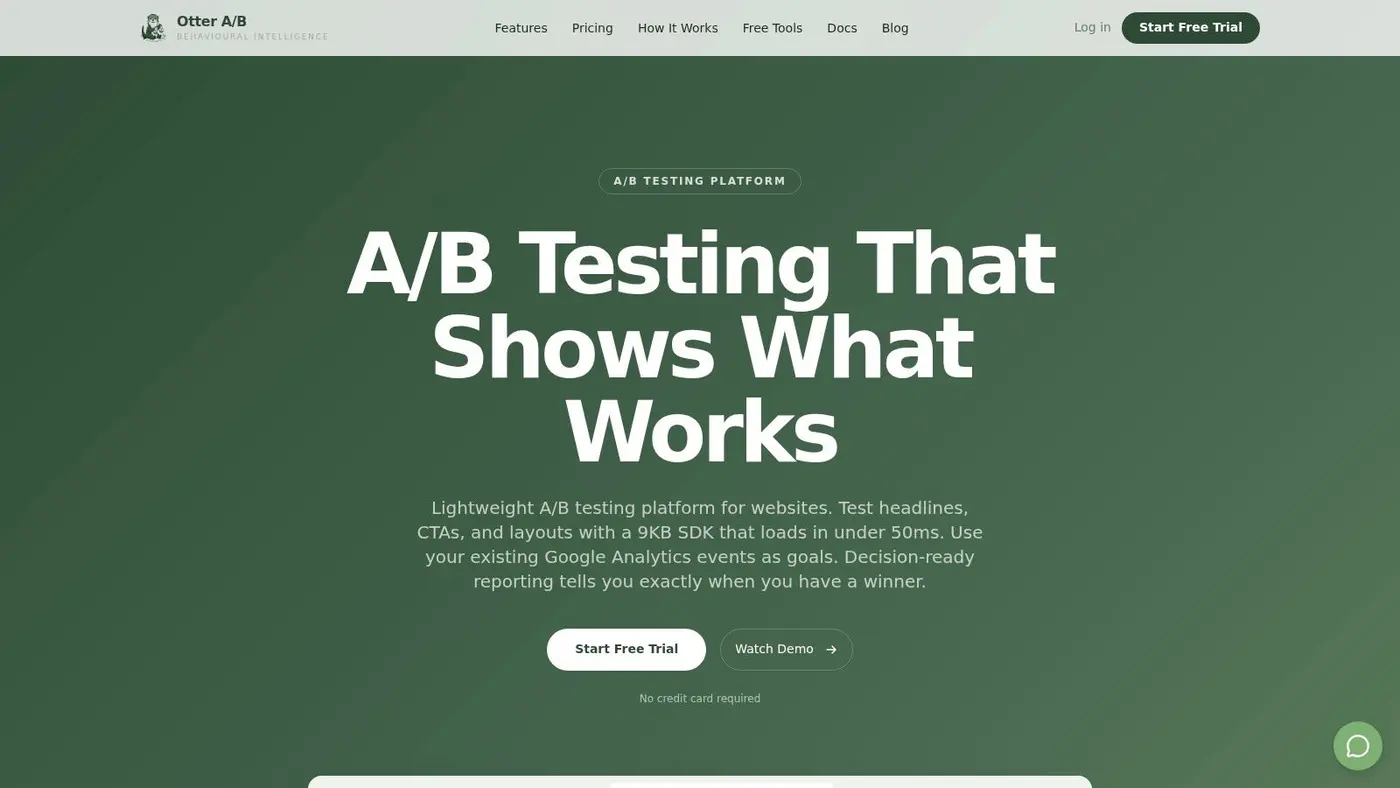
Otter A/B is the tool I'd put in front of people first if the job is straightforward website experimentation. Test a headline. Change a CTA. Rework a pricing block. Try a different product page layout. It's built for people who want answers quickly and don't want the testing layer to become its own technical project.
The strongest part of the product is its architecture. The SDK is 9KB, loads in under 50ms, and the platform promises zero flicker with 99.9% uptime. That matters because many legacy testing tools create the exact kind of visual instability and JavaScript overhead you're trying to remove from the customer journey.
Why it works for lean CRO teams
Otter A/B is unusually practical. You can install it with a one-line snippet, create variants in a visual editor, split traffic precisely, and define goals without dragging engineering into every small change. It also tracks business outcomes beyond raw conversion rate, including purchases, average order value, revenue per variant, and revenue trends.
If you already use GA4 events, reusing them as goals removes a lot of setup friction. That's a bigger advantage than it sounds. Teams often stall not because they lack ideas, but because event naming, QA, and reporting handoffs slow every experiment.
Practical rule: Modern A/B testing should disappear into the workflow. If the tool adds meetings, delays, or visible page flicker, it's solving the wrong problem.
Otter A/B also handles reporting the way most stakeholders want it. The frequentist z-test engine uses a 95% default confidence threshold, with configurable settings and optional Bayesian analysis. Slack alerts can tell you when a test reaches significance or a revenue milestone, which means you don't need someone manually checking results every day.
Modern versus legacy A/B testing architecture
Otter A/B stands out most clearly.
Legacy client-side testing platforms often rely on heavier scripts, delayed DOM changes, and more QA overhead. They can still work, especially in enterprise environments, but they tend to carry baggage. Marketers see flicker. Developers worry about performance side effects. Analysts spend too much time explaining noisy results.
Modern lightweight architecture changes the trade-off:
- Speed-first delivery: A small SDK reduces the chance that testing harms UX or Core Web Vitals.
- Less engineering dependency: Visual editing and simple goal setup help teams ship experiments faster.
- Revenue-linked reporting: Results become easier to defend when the tool shows commercial impact, not just clicks.
- Cleaner experimentation habits: Faster setup encourages more frequent testing, which is usually better than waiting for a “perfect” experiment.
For teams learning the discipline, Otter A/B also pairs well with foundational conversion rate optimisation guidance.
The trade-off is clear too. It's primarily web-focused, and it isn't positioned as a heavyweight feature-flagging or governance platform for very large organisations. But for ecommerce teams, agencies, product marketers, and front-end teams that want a fast testing layer without enterprise drag, Otter A/B is one of the strongest fits in this list.
2. Optimizely Web Experimentation
Optimizely Web Experimentation sits at the other end of the market. This is the tool for organisations that treat experimentation as a formal operating capability, not just a marketing function. If you need client-side tests, server-side delivery, edge delivery, audience targeting, and deeper links into a wider digital experience stack, Optimizely is built for that environment.
Its core strength is optionality. Teams can run fast visual tests, but they can also move experiments closer to the server or edge to reduce front-end impact. That flexibility is useful when performance sensitivity, governance, or engineering standards rule out simple client-side changes.
Where it earns its cost
Optimizely makes sense when several departments need to collaborate in one experimentation programme. Product, engineering, growth, analytics, and content teams can all work inside a shared system with mature preview and QA workflows. That's hard to replicate with lighter tools.
There's also a practical reason many large teams still favour this category of platform. Search and measurement workflows are already built around tools such as Google Analytics and Google Search Console, both identified as core instruments in optimisation programmes by Lean Labs' overview of website analysis tools. Enterprise teams often want their testing platform to fit into that broader discipline rather than operate as a standalone widget.
If your roadmap includes server-side testing or edge delivery, buying a cheap visual editor first often means buying twice.
The downside is equally obvious. Optimizely is expensive, quote-based, and usually more platform than smaller teams need. If you don't have enough traffic, test velocity, or internal process maturity, you can end up paying for sophistication you won't use. Due diligence also matters with any enterprise vendor, especially when security, procurement, and legal review are part of the buying cycle.
For organisations that need scale and architectural flexibility, Optimizely Web Experimentation remains a serious option. For everyone else, it's often too much machine for the job.
3. VWO
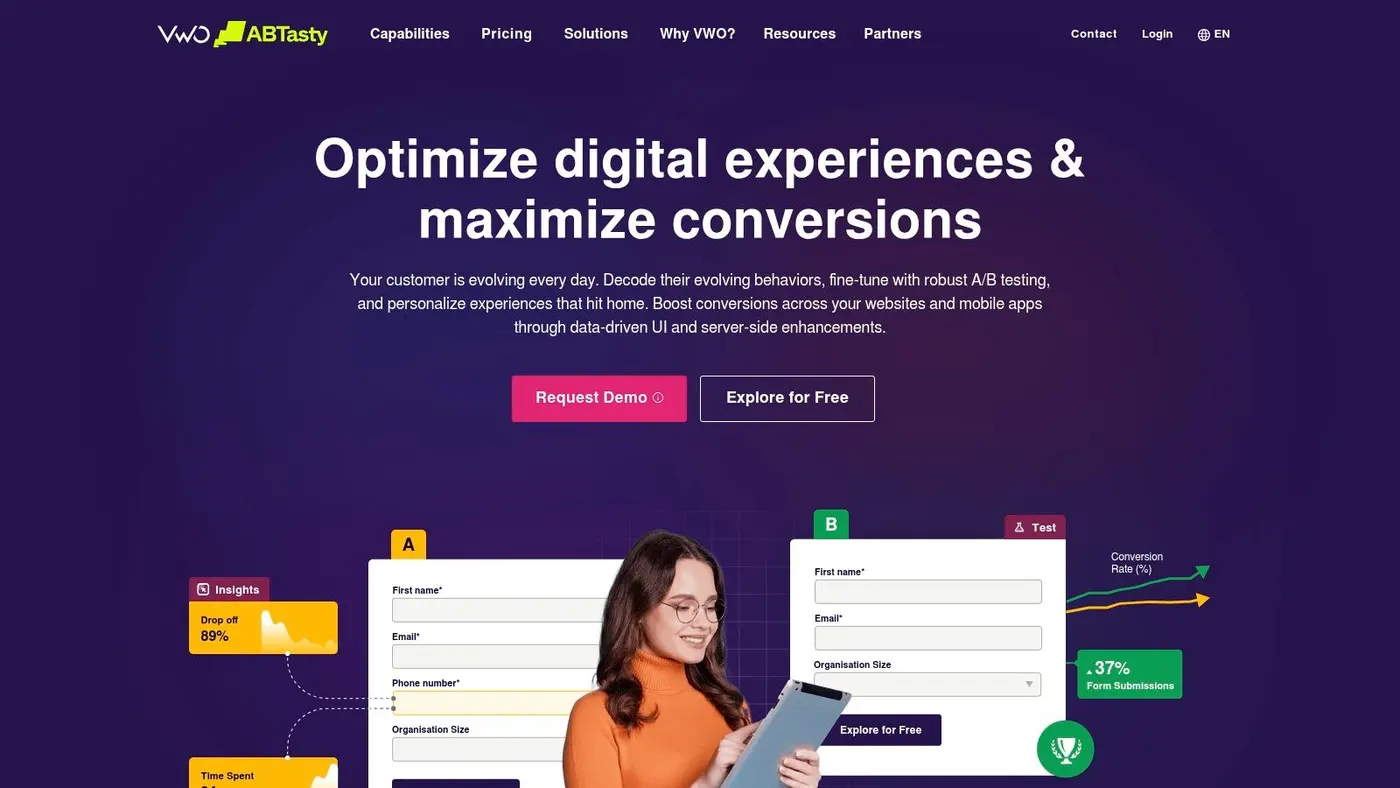
VWO is a broad optimisation platform for teams that don't want separate vendors for discovery and validation. You can run A/B tests and multivariate tests, but you also get heatmaps, session recordings, and surveys in the same ecosystem. That makes it appealing when the main problem isn't “how do we test?” but “how do we build a repeatable pipeline from insight to experiment?”
That bundled approach is VWO's biggest advantage. A lot of teams never run enough worthwhile tests because their tools are split across too many owners. Behaviour insights live in one place, test execution in another, and reporting in a third. VWO reduces some of that fragmentation.
Best fit for teams that want one platform
VWO is especially useful when your CRO function is still maturing. You can spot friction in recordings or heatmaps, then move into a formal test without changing tools. For many marketers, that shortens the learning curve.
Its support for server-side and FullStack experimentation also helps if you want to avoid the weaknesses of pure client-side testing. If your stakeholders need a refresher on the basics before you start comparing stats models, this plain-English A/B test definition is a useful grounding point.
A few trade-offs are worth calling out:
- All-in-one convenience: Better for teams that want fewer vendors and tighter handoff between insight and testing.
- Data residency options: Helpful for compliance-minded teams that care where data sits.
- Stakeholder education: Bayesian-flavoured outputs can be useful, but some teams still expect more traditional significance reporting.
- Tier complexity: Advanced features may sit behind higher plans, so the simple starting price is rarely the full story.
VWO is one of the more balanced website optimization tools on the market because it handles both diagnosis and experimentation. The compromise is that no all-in-one suite is perfect at everything. If you want best-in-class replay analysis or the lightest possible testing script, point tools can still beat it in their own lane.
Still, for many mid-market teams, VWO is a sensible middle ground.
4. AB Tasty
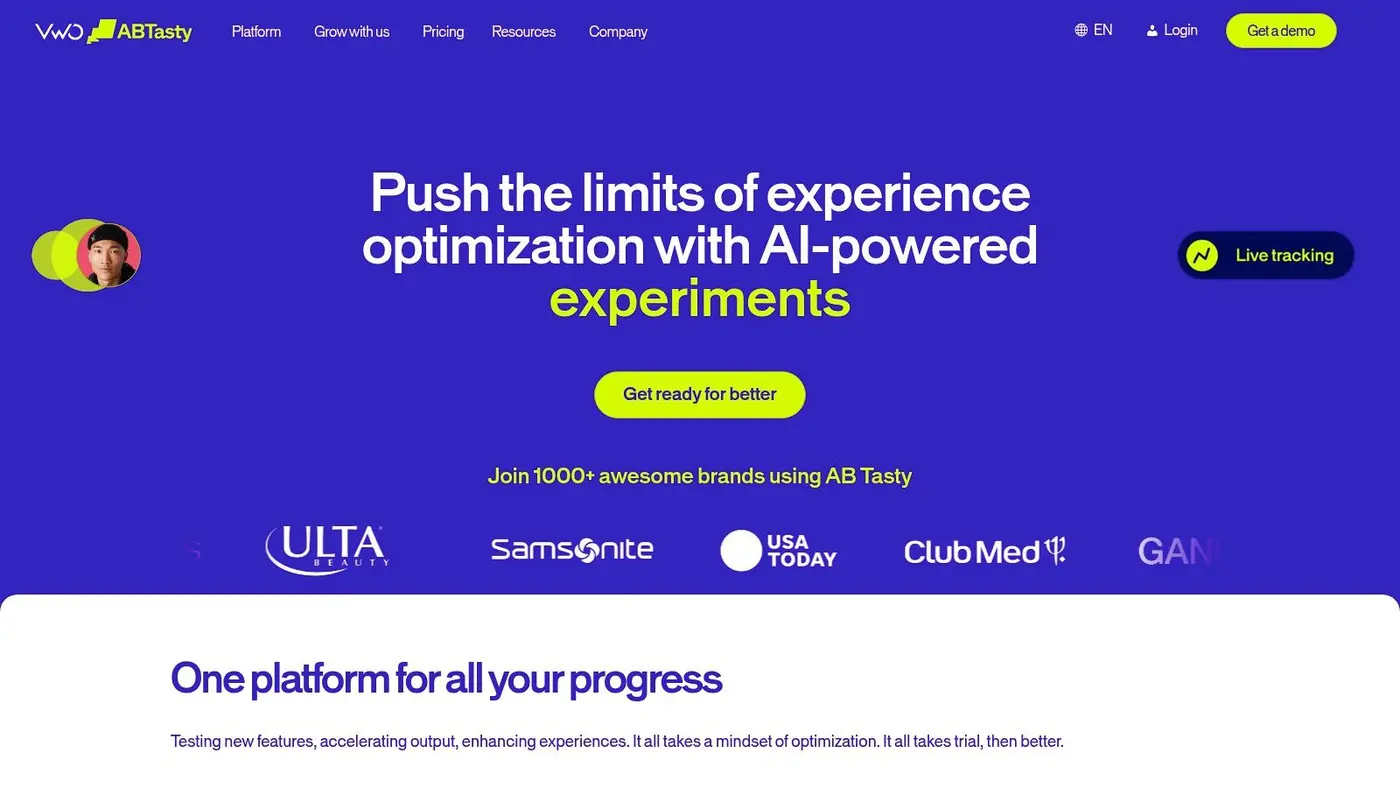
AB Tasty is a strong fit for teams that want experimentation and personalisation in a package that marketers can use day to day. The visual editor is approachable, the workflows are collaboration-friendly, and the platform has expanded beyond classic page testing into feature experimentation and flags.
That last point matters. Many optimisation programmes break when marketing experiments and product releases live on separate tracks. AB Tasty is useful when those two worlds need to coordinate without making every change a bespoke engineering effort.
Where AB Tasty feels strongest
I'd shortlist AB Tasty when a team wants a more marketer-friendly interface than some legacy enterprise suites, but still needs depth. Multi-page tests, multivariate testing, tag-based deployment, and AI-assisted variation creation all help speed up execution.
It also tends to feel familiar to European and UK buyers. That matters more than vendors like to admit. Procurement, support expectations, and internal trust often improve when the tool already has visibility across the region.
What doesn't work as well is relying on AB Tasty alone for deep behavioural diagnosis. It can run the experiment, but many teams still pair it with another analytics or replay product to understand why users behave the way they do.
A polished testing interface doesn't remove the need for evidence. If a team can't explain the user problem first, the test backlog fills up with guesses.
Pricing is another consideration. It isn't publicly listed, and that usually means you're entering a sales-led buying process with enterprise-style contract expectations. For bigger brands that's normal. For smaller growth teams it can be a drag.
If you want a platform that blends testing, personalisation, and feature experimentation without becoming as heavy as the largest enterprise stacks, AB Tasty is a credible option.
5. Convert Experiences
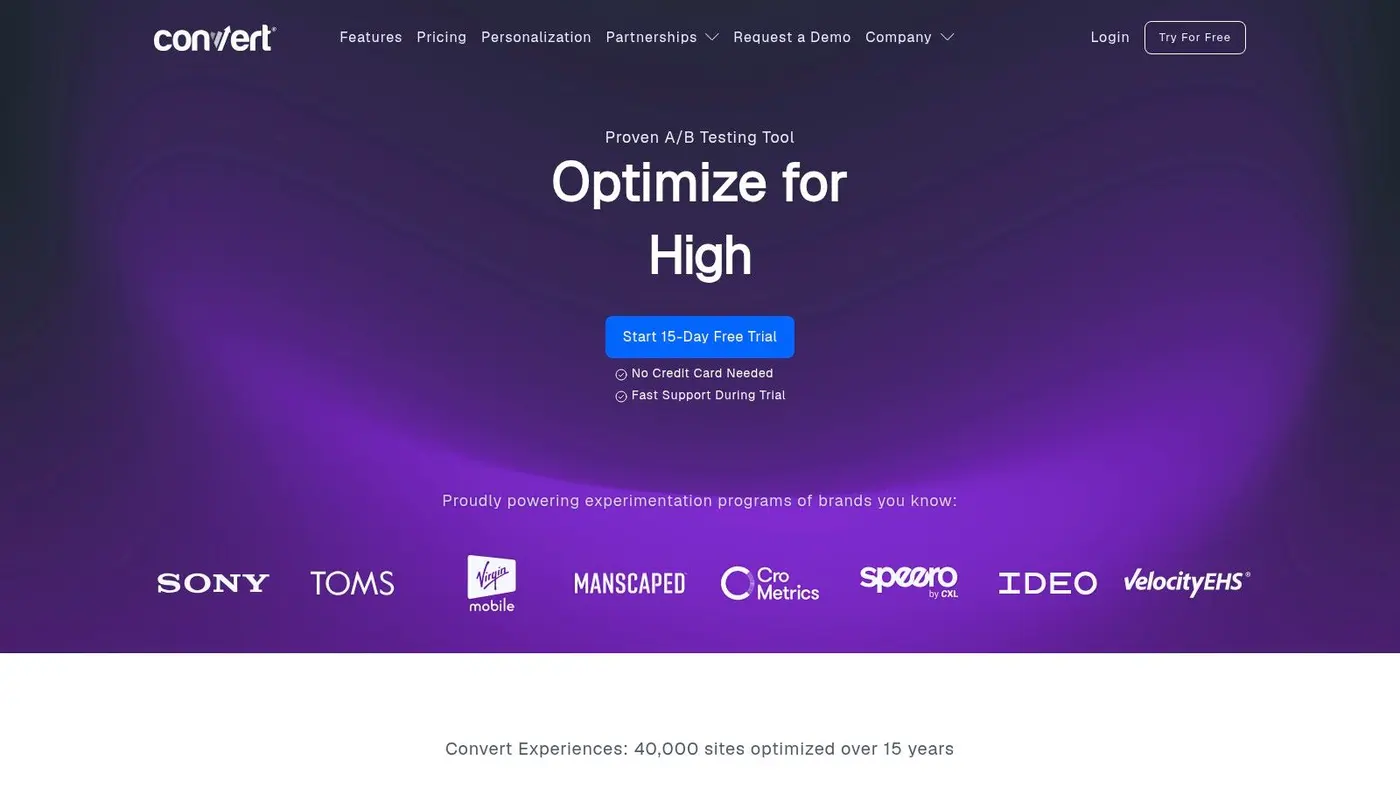
Convert Experiences is one of the cleaner choices for privacy-conscious teams that want focused testing without a bloated product suite. It does the fundamentals well. A/B tests, split URL tests, multi-page tests, visual and code editing, broad targeting controls, and a generally transparent posture on pricing and plan limits.
That transparency is a genuine advantage. Many optimisation tools force you into a long sales cycle before you can tell whether the product is even in budget. Convert is more straightforward, and that tends to attract teams that want control over procurement as well as data handling.
A focused testing tool with a GDPR-forward stance
This is a good fit when your primary need is experimentation, not full behavioural analytics. It won't replace a replay or heatmap platform, and that's fine. Not every tool should try.
The privacy angle is where Convert often wins internal support. Teams operating in the UK and Europe regularly need to answer questions about data handling before they can even discuss test design. A vendor that leans into those concerns rather than treating them as edge cases usually has an easier path through review.
There is also a broader market context here. Independent market research says the global SEO software market was valued at USD 74.6 billion in 2024 and is projected to reach USD 154.6 billion by 2030 at a 13.5% CAGR. That doesn't say Convert is the winner. It does say businesses are continuing to spend on measurement, automation, and search-led optimisation, which supports the case for specialised tools that do one job well.
Convert's main limitation is simple. You'll usually need another product for discovery. If your team wants recordings, heatmaps, or survey feedback in the same platform, VWO or a replay tool plus a testing platform may be a better stack.
If you want focused experimentation with a privacy-first feel, Convert Experiences deserves serious consideration.
6. Adobe Target
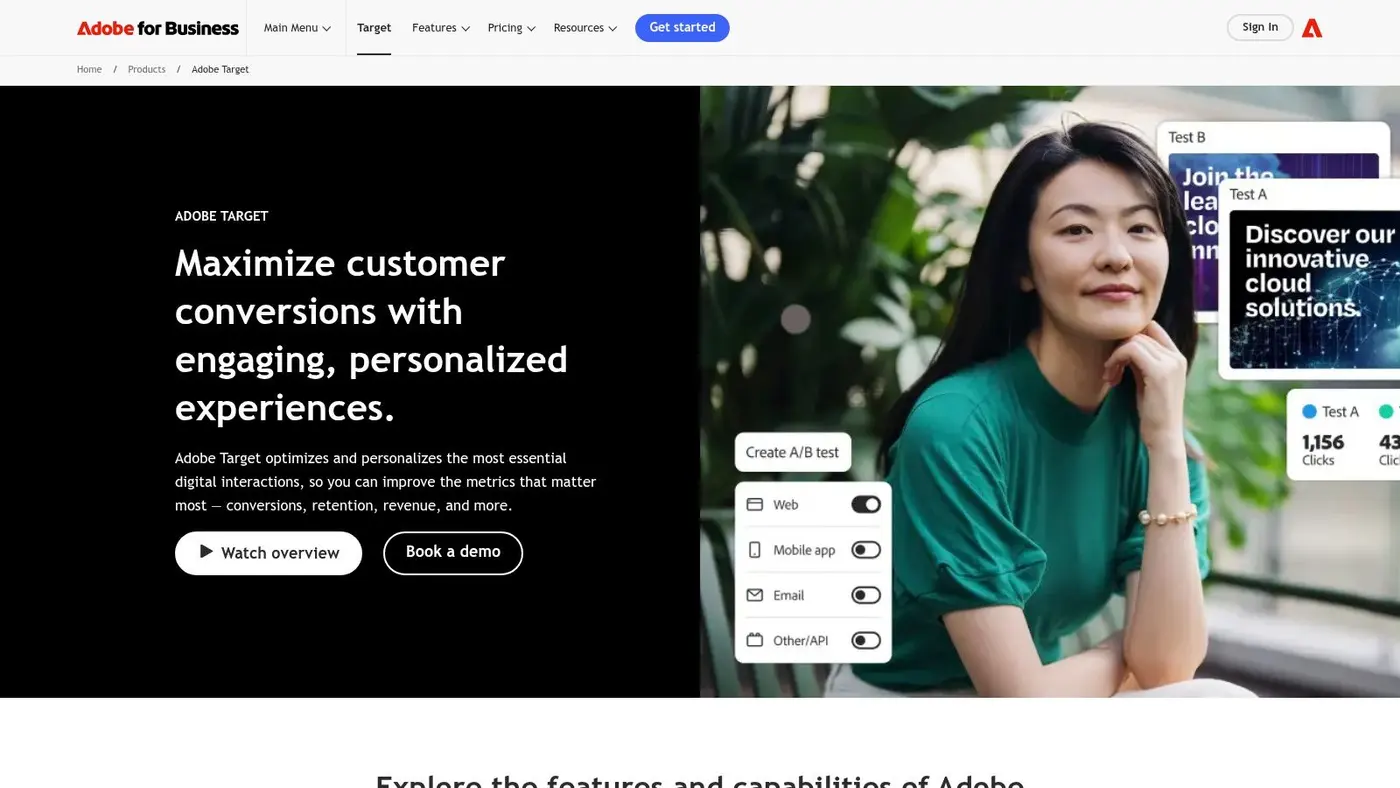
Adobe Target is not a casual purchase. It's built for organisations that already operate inside Adobe Experience Cloud, or plan to. If that's your environment, Target can become a powerful layer for testing, personalisation, recommendations, and cross-brand governance. If it isn't, the overhead can be difficult to justify.
The product is strongest when data activation matters as much as the experiment itself. Adobe users often want analytics, audience management, personalisation, and content operations to connect tightly. Target fits that requirement better than lighter standalone testing products.
Best when Adobe is already your operating system
Adobe Target works well for complex businesses. Multi-brand groups, large retailers, financial services organisations, and teams with multiple channels often need structured permissions, deeper governance, and a partner ecosystem that can support larger rollouts. Adobe has all of that.
Its AI-driven targeting and recommendations can also be valuable when the job moves beyond simple A/B tests into more dynamic personalisation logic. But that capability comes with a cost. Setup, implementation, integration effort, and internal training are all heavier than with simpler tools.
Here's the blunt version:
- Good choice: You already use Adobe Analytics or adjacent Adobe products, and internal teams can support an advanced stack.
- Bad choice: You want quick web tests, a short time to value, and minimal admin complexity.
Adobe Target isn't usually the right first experimentation platform. It's a scale platform. That distinction matters. A smaller team can buy it and still struggle to build momentum if nobody owns the process tightly enough.
For enterprise programmes that need deep integration and stronger governance, Adobe Target remains a serious contender. For mid-market teams, it's often overkill.
7. Dynamic Yield by Mastercard
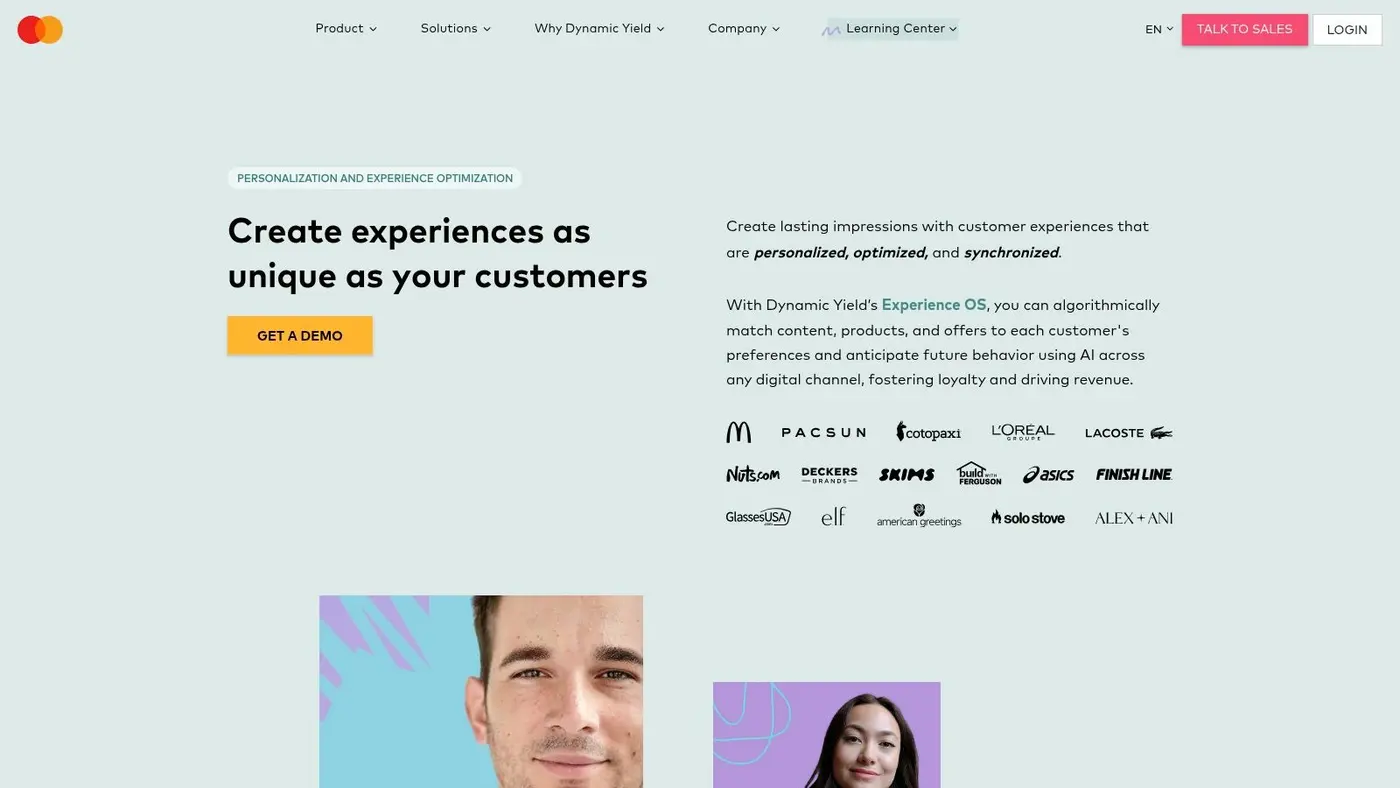
Dynamic Yield is less about isolated page tweaks and more about decisioning across customer touchpoints. Should your optimisation strategy depend on personalisation, product recommendations, merchandising logic, and affinity-based targeting, the platform starts to make sense.
Retail and ecommerce teams usually get the clearest value. Testing a hero image is useful. Showing a more relevant product set, message, or offer based on behaviour can be even more useful when the catalogue and traffic volume justify it.
Better for relevance programmes than basic CRO
Dynamic Yield shines when a business wants to optimise not just a page, but a sequence of interactions. Web, app, email, and other channels can work together under one decisioning layer. That's attractive for teams trying to move from generic segmentation to more responsive customer journeys.
The trade-off is complexity. A broad platform creates more room for sophistication, but also more room for slow onboarding, fuzzy ownership, and underused features. Teams that haven't yet built a solid experimentation habit often jump into personalisation too early.
That's why I usually separate two questions:
- Do you need to prove simple UX changes? A lighter A/B tool is often enough.
- Do you need recommendation logic and affinity-driven experiences? Dynamic Yield is much better aligned.
- Do you have the data and operational maturity to support it? Without that, the platform can outrun the team.
There's also no public pricing, which usually points to a mid-market or enterprise sales process. That doesn't make it bad. It just means the buying motion is more involved than with a self-serve testing platform.
For retailers and larger ecommerce operations that want website optimization tools tied closely to personalisation and merchandising, Dynamic Yield is one of the more capable options.
8. Hotjar
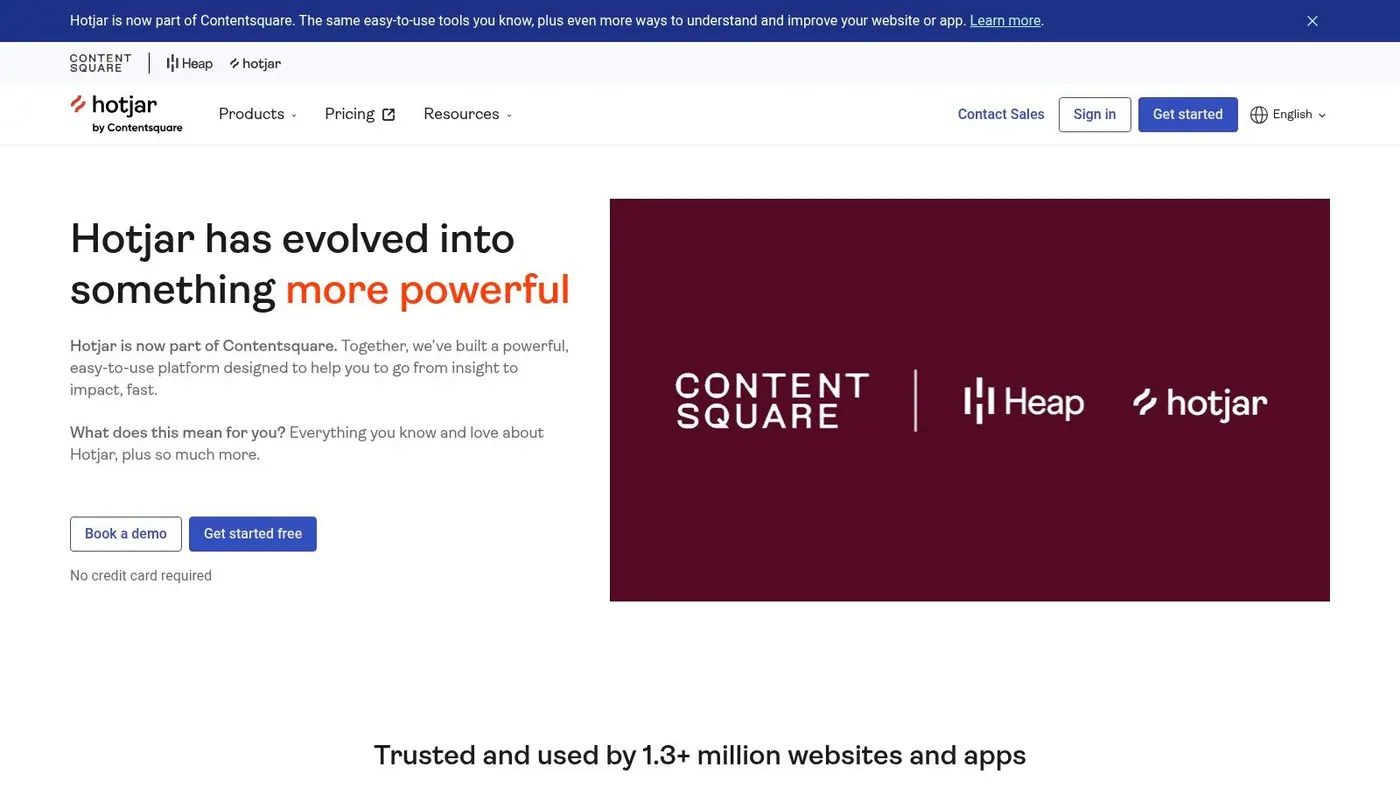
Hotjar is where many teams should begin, because most websites don't suffer from a shortage of test ideas. They suffer from a shortage of evidence. Hotjar helps you watch users, review heatmaps, collect survey feedback, and understand friction before you touch an experiment.
That matters because testing random ideas is expensive, even when the software is cheap. Session recordings and on-site surveys give your hypotheses a better starting point. They won't prove causation on their own, but they can stop you from wasting time on the wrong changes.
The right tool when you need to find the leaks
Hotjar is good at making user friction visible. You'll notice confusing scroll behaviour, ignored sections, erratic cursor movement, and pages where intent fades before action happens. UX researchers and marketers both tend to understand the outputs quickly, which makes it useful in mixed teams.
This also fits a broader gap in the market. Contentsquare's optimisation guidance notes that teams should measure speed analysis across geographies and diagnose accessibility issues such as contrast problems, missing alt text, and small text, areas often skipped by generic tool roundups in favour of broad feature lists in their guide to website optimisation techniques. Hotjar doesn't solve every one of those problems directly, but it supports the larger job of finding where real users struggle.
What Hotjar doesn't do is validate a change through controlled experimentation. It's not an A/B testing platform. That means it works best alongside a testing tool rather than instead of one.
Watch recordings to form hypotheses, not to “confirm” your opinion. The moment you start hunting for sessions that support a pre-decided fix, the research loses value.
For fast qualitative insight and a low-friction setup, Hotjar remains one of the most useful discovery tools in the stack.
9. FullStory
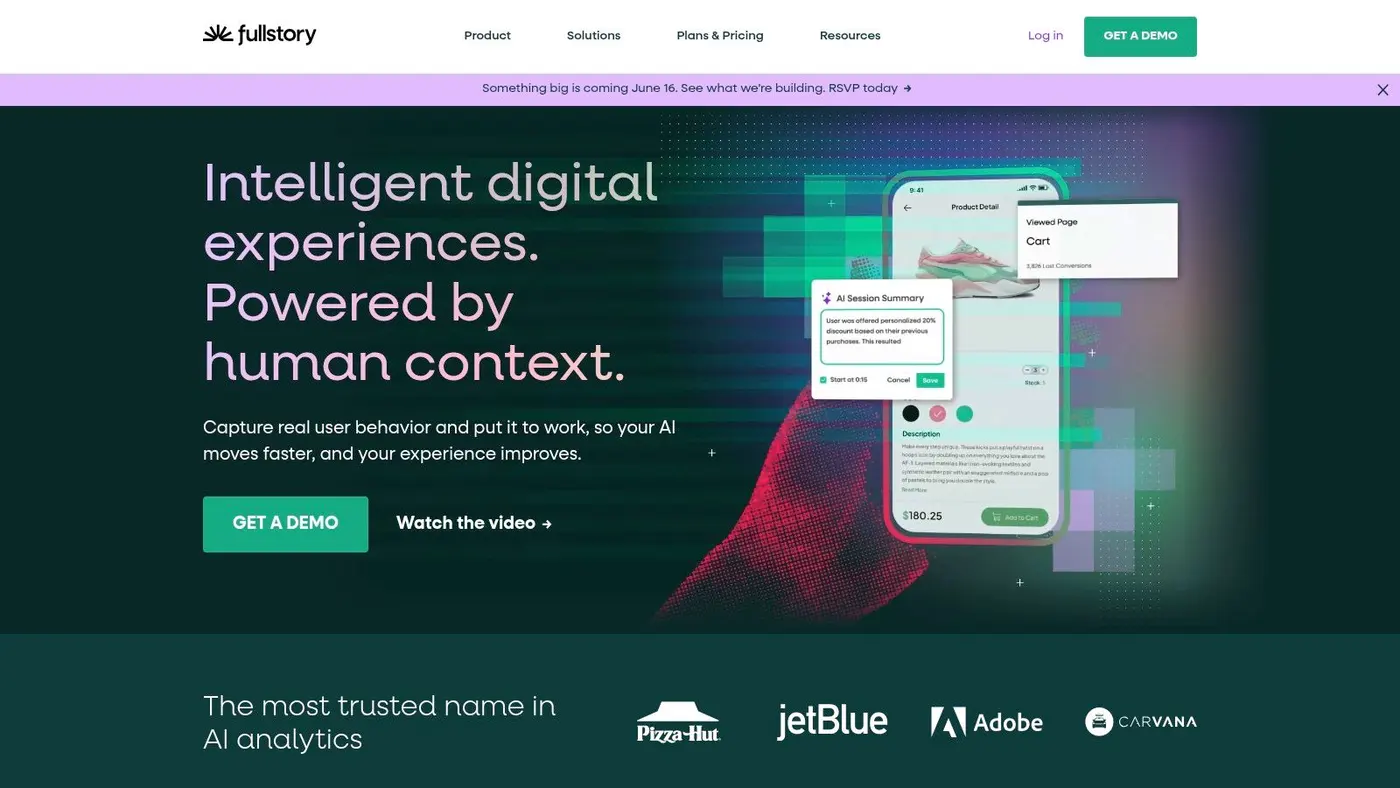
FullStory is what I reach for when simple heatmaps aren't enough. It's better suited to diagnosing complex journeys, technical friction, and behaviour patterns that standard analytics can hint at but not explain. Journey analytics, replay, scroll maps, and privacy controls all sit in a more product-analytics-shaped environment than Hotjar's marketer-friendly setup.
That makes FullStory useful when the problem is messy. Checkout bugs, broken states, hidden errors, odd device-specific issues, or journeys that cross multiple pages often show up more clearly here than in simpler replay tools.
Stronger for complex diagnosis than lightweight replay
FullStory's autocapture model is one of its biggest practical strengths. It helps teams investigate after the fact rather than discovering too late that nobody tagged the event they now care about. The privacy-aware controls also matter for organisations that need tighter handling around masking and consent.
Its newer AI features aim to reduce the manual effort of reviewing sessions, which is helpful because replay tools can otherwise become a giant library nobody has time to use. When paired with a testing platform, it's a strong way to move from issue diagnosis to validated fix. This broader guide on optimising a website is a useful complement if you're building that workflow.
There are some limitations:
- Not a testing tool: You'll still need an experimentation platform.
- Best for harder problems: If you only need basic scroll and click visibility, FullStory can be more tool than necessary.
- Pricing scales with ambition: Deeper usage and higher session volume usually push you into custom plans.
FullStory is one of the better website optimization tools for teams that need to understand not just where users drop, but how the failure unfolds. For that job, FullStory is very strong.
10. Contentsquare
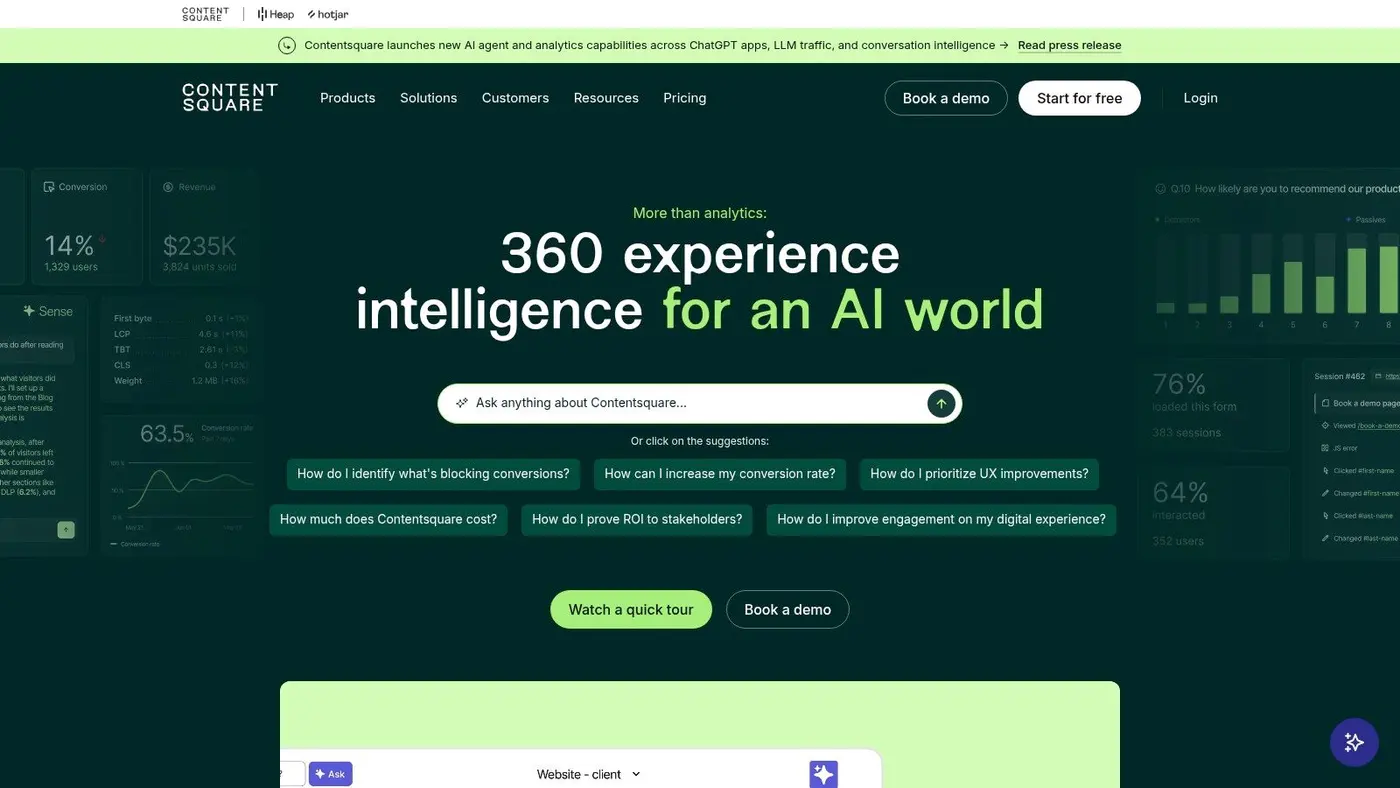
Contentsquare is the heavier-duty analytics and experience intelligence option in this category. If Hotjar helps you spot friction quickly, Contentsquare is better for teams that want more structure around impact analysis, behavioural segmentation, heatmaps, replay, dashboards, and voice-of-customer inputs.
The platform now spans self-serve and enterprise-oriented entry points, which makes it more approachable than it used to be. That matters because advanced experience analytics used to be difficult for smaller teams to trial without a large procurement effort.
Best for teams that want depth, not just visibility
Contentsquare suits larger ecommerce and high-traffic sites especially well. It gives analysts and optimisation leads more room to connect quantitative trends with qualitative evidence, then prioritise what to fix. That's valuable when the backlog is full and every department thinks its issue is urgent.
It also aligns with a real shift in how optimisation is being discussed. Marketers increasingly need tools that help them make decisions quickly across SEO, UX, analytics, and experimentation rather than relying on a single feature checklist. That gap is highlighted in AISDR's discussion of changing website visibility and optimisation workflows, which points toward stacks judged by evidence quality and decision speed rather than by isolated tool categories.
A few practical trade-offs:
- Great for analyst-led teams: More depth means more payoff if someone owns the insight workflow.
- Less ideal for “just give me recordings”: Simpler tools can be faster for lightweight use cases.
- Quote-based upper tiers: As with most enterprise analytics products, the richest setup can become a substantial investment.
If your team needs a more complete experience analytics layer and has the discipline to use it properly, Contentsquare is one of the strongest discovery platforms available.
Top 10 Website Optimization Tools Comparison
| Product | Core features | Performance & reliability | Value & pricing | Target audience | Unique selling points |
|---|---|---|---|---|---|
| Otter A/B 🏆 | Lightweight A/B, visual editor, unlimited variants, frequentist z-test, revenue metrics ✨ | 9KB SDK <50ms, zero flicker, 99.9% uptime, continuous significance ★★★★★ | Flat-rate from 💰 $39/mo, unlimited visitors/tests, 14‑day free (no CC) | 👥 Growth marketers, e‑commerce teams, PMs, agencies | ✨ Revenue‑focused metrics, Slack alerts, easy integrations, AI workflows |
| Optimizely Web Experimentation | Client/server/edge A/B, MVT, audience targeting, QA tools | Server‑/edge delivery to reduce flicker; enterprise SLAs ★★★★ | Quote‑based; premium enterprise pricing 💰 | 👥 Large enterprises running experimentation at scale | ✨ Multiple delivery models, deep DXP integrations |
| VWO (Testing + Platform) | Client & server A/B, MVT, heatmaps, session replays, surveys | FullStack server options; data residency (EU/IN/US) ★★★★ | Tiered plans with usage caps; advanced features on higher tiers 💰 | 👥 CRO teams, compliance‑sensitive organisations | ✨ All‑in‑one CRO toolkit with discovery + validation |
| AB Tasty | Visual editor, multi‑page/MVT, feature flags, AI prompts | Flicker‑minimisation, tag deployment; marketer‑friendly ★★★ | Enterprise‑oriented contracts; no public pricing 💰 | 👥 Marketers, EMEA brands, product teams | ✨ AI‑assisted test creation, collaboration workflows |
| Convert Experiences | A/B, split‑URL, multi‑page, 40+ targeting filters, privacy docs | Lightweight client testing; GDPR‑forward documentation ★★★★ | Transparent published plans and trials; clear quotas 💰 | 👥 Privacy‑conscious SMBs & mid‑market teams | ✨ Clear pricing, privacy‑first approach |
| Adobe Target | A/B, MVT, auto‑targeting/recommendations, Adobe integrations | Scales across brands/channels; enterprise governance ★★★★ | Quote‑based; typically high TCO 💰 | 👥 Large enterprises using Adobe stack | ✨ Deep Experience Cloud integration & advanced algorithms |
| Dynamic Yield (by Mastercard) | A/B/n, recommendations, affinity personalization, APIs | Omnichannel decisioning; strong retail performance ★★★★ | Mid‑market/enterprise pricing (not public) 💰 | 👥 Retail & ecommerce teams seeking 1:1 relevance | ✨ Powerful recommendations & merchandising engine |
| Hotjar (Contentsquare) | Session recordings, heatmaps, on‑site surveys, interviews | Quick setup; GDPR/UK privacy controls ★★★ | Modular pricing; per‑site billing can scale costs 💰 | 👥 UX researchers, marketers, product teams | ✨ Qualitative insights to prioritise experiments |
| FullStory | Session replay, journey analytics, autocapture, AI summaries | Privacy masking, consent aware; free plan (30k sessions) ★★★★ | Free tier + custom pricing for higher volumes 💰 | 👥 UX analysts, product & engineering teams | ✨ Privacy‑aware capture and AI session summarisation |
| Contentsquare | Session replay, heatmaps, zoning, VOC, product analytics | Deep dashboards for high traffic; enterprise SLAs ★★★★ | Productised Free/Growth tiers; Pro/Enterprise quote 💰 | 👥 Enterprise ecommerce & product analytics teams | ✨ End‑to‑end quantitative + qualitative analytics |
How to Choose Your Optimisation Stack
A team spots a drop in checkout conversion, buys a heavyweight testing platform, and then stalls for three months because nobody can agree on what to test first. I see this pattern a lot. Tool choice goes wrong when the buying process starts with vendor comparison instead of the job the team needs done.
Start with the bottleneck.
If your team lacks clear evidence about where users hesitate, abandon, or get confused, buy discovery first. Smart Insights reports that 97% of UK businesses used at least one form of digital marketing in 2024, with search engine marketing and SEO among the most widely used channels. In practical terms, that means small experience improvements can affect a meaningful share of revenue traffic. Hotjar, FullStory, and Contentsquare help answer the first question: where is the friction?
If the problem is already clear and the blocker is proof, move to validation. Otter A/B, Convert Experiences, VWO, AB Tasty, and Optimizely are built for controlled testing. They answer a different question: did this change improve the outcome, or did it just look better in a design review?
That distinction matters because the strongest stack is usually not one platform doing everything. It is a set of tools matched to distinct jobs-to-be-done.
Start with the job, not the vendor
A simple way to choose from website optimization tools is to sort them into four groups:
- Discovery: Hotjar, FullStory, and Contentsquare for session replay, heatmaps, journey analysis, and user feedback
- Experiment validation: Otter A/B, Convert Experiences, VWO, AB Tasty, and Optimizely for A/B tests and rollout decisions
- Personalisation and decisioning: Dynamic Yield and Adobe Target for audience logic, recommendations, and cross-channel targeting
- Enterprise experimentation: Optimizely and Adobe Target when governance, permissions, integrations, and multi-team workflows are part of the requirement
This is the core buying filter for the whole category. A UX insight tool will not replace an experimentation platform. An experimentation platform will not generate a useful testing roadmap on its own.
Match the stack to team maturity
For smaller teams, a narrow stack usually works better than an all-in-one suite. Pair one discovery tool with one testing tool. Hotjar plus Otter A/B is a sensible example for a lean marketing or CRO team that needs fast setup, clear reporting, and low overhead. One tool shows where users struggle. The other verifies whether a change improved revenue or conversion.
Growing ecommerce teams often want fewer vendors to manage. VWO can make sense here because it brings testing and behavioural insight into one product. The trade-off is depth. It is convenient, but the insight layer may not match a dedicated tool, and the experimentation side may not suit teams that are particular about architecture control.
Convert Experiences fits a different buyer. It is a good choice when pricing transparency, privacy posture, and client-side testing matter more than bundled analytics or a large enterprise feature set.
Larger organisations should push harder on architecture and governance questions. Do teams need server-side or edge delivery? Do product, engineering, and marketing all need access under shared rules? Does the current stack already depend on Adobe or another enterprise ecosystem? If yes, Optimizely or Adobe Target can justify the extra setup and cost. If not, lighter tools often produce more learning because teams can launch and read tests faster.
Modern vs. legacy testing architecture
Many buyers make an expensive mistake. They compare feature checklists and skip the delivery model.
Legacy client-side testing setups can still work, but they carry familiar risks: flicker, slower render paths, QA overhead on complex pages, and more dependence on front-end workarounds. Modern approaches, especially server-side or edge-based experimentation, reduce those issues and give teams tighter control over performance and targeting logic.
The trade-off is operational. Modern architecture is usually better for scale and site performance, but it can require stronger engineering support. Legacy client-side setups are easier for marketers to launch quickly, but they can create measurement and rendering problems if used carelessly. The right choice depends on who will run the programme and how often tests ship.
Choose for operating reality, not demo quality
A stack has to fit the way the team works.
If every test needs engineering tickets, velocity drops. If reports are hard for stakeholders to interpret, decisions slow down. If session replay produces interesting clips but no prioritised actions, insight work turns into observation without change.
Good stack decisions protect two things: page performance and team speed. As noted earlier, even small site speed gains can improve engagement, so testing tools should not add avoidable front-end weight. The same principle applies to process. Choose tools your team can run every week, not tools that look impressive in procurement.
Start with one clear use case. Add capability once the team has a repeatable workflow. That is how optimisation programmes mature without turning the stack into shelfware.
If you want a testing platform that keeps setup light and reporting tied to commercial outcomes, Otter A/B is a practical place to start. It suits teams that want to launch website experiments quickly, read results clearly, and avoid making every test an engineering project.
Stop guessing
Ready to start testing?
Set up your first A/B test in under five minutes. No credit card required.
- 14-day free trial
- No credit card required
- Cancel anytime