10 Essential Front End Developer Tools for 2026
Discover the 10 essential front end developer tools for 2026. A guide to the best frameworks, bundlers, and testing tools for modern web development.

You're probably feeling this already. The app still ships, but local feedback loops are slower than they should be, CSS changes have started leaking across screens, and every “small” release seems to reveal a new edge case in production. None of that means your team is bad. It usually means the stack grew by accumulation instead of intention.
That's the trap with front end developer tools in 2026. There are more good options than ever, but good in isolation doesn't mean good together. A fast bundler won't rescue weak testing. A popular framework won't fix poor component boundaries. An A/B testing platform won't help if experimentation adds flicker, breaks metrics, or turns the codebase into a pile of one-off flags.
The teams moving fastest aren't chasing every new toy. They're building a toolchain that fits the workflow: UI architecture, local development, styling, component isolation, testing, monitoring, and experimentation. That's the level where tool choice starts affecting release confidence, developer sanity, and conversion work.
If you want a broader set of expert web tool recommendations, that's useful background. This guide stays narrower and more practical. These are the tools I'd consider when putting together a modern front-end stack for production work.
1. React
A team usually reaches for React after a familiar failure mode. The product started as a few interactive pages, then grew into shared components, conditional flows, account states, and UI logic spread across too many files. React still earns its place because it gives that complexity a workable shape.
It remains one of the most widely adopted front-end choices. As noted in Radixweb's front-end statistics roundup, React continues to dominate real-world usage. In production, that matters less as a popularity contest and more as a risk calculation. Mature libraries exist for forms, state, tables, accessibility, testing, and data fetching. Hiring is easier. Weird edge cases are usually already documented somewhere.
Where React fits best
React works best when the UI is expected to change often and keep changing for years. Design systems, B2B dashboards, authenticated apps, onboarding flows, and commerce interfaces all benefit from reusable components and predictable state handling. It is also a strong base layer for experimentation work, because variant logic, feature flags, and event instrumentation can live close to the components they affect instead of being scattered through templates and custom scripts.
That flexibility comes with a cost. React is a UI library, not a full operating model for a front-end stack. Teams still need to choose routing, rendering strategy, testing, monitoring, styling, and deployment conventions. That is why React is rarely the whole answer. It is the foundation, then the rest of the toolchain has to match the project.
A few trade-offs matter in practice:
- Choose React for evolving products: It handles long-lived interfaces better than one-off marketing builds.
- Expect architecture decisions early: State boundaries, server versus client rendering, and component ownership get expensive to revisit later.
- Watch abstraction creep: Many teams introduce custom hooks, providers, and patterns before the product has earned that complexity.
- Treat ecosystem size as both strength and risk: You have options, but too many options can slow a team that lacks strong defaults.
I usually recommend React when the project needs a durable UI layer that can support a broader stack. That might mean Next.js for rendering and routing, TypeScript for safer refactors, Storybook for component review, Playwright or Cypress for browser tests, Sentry for production visibility, and Otter A/B when the team needs to test variants without turning the codebase into flag soup.
Accessibility still depends on discipline. Custom menus, dialogs, tabs, and comboboxes fail fast when teams replace native elements without reproducing keyboard and screen reader behavior. If your app relies heavily on custom interaction patterns, make time to ensure JavaScript accessibility for WCAG.
Use React's official site for the base layer. Choose React when you want control over the UI architecture and you are prepared to make the surrounding stack decisions well.
2. Next.js
A team ships a React app, then starts bolting on routing, SEO fixes, image optimisation, caching rules, and server-side data fetching one problem at a time. Six months later, the codebase works, but the architecture is harder to reason about than it should be. Next.js solves that specific failure mode.
It gives React teams a production framework with strong defaults. Routing, server rendering, static generation, middleware, API routes, and asset handling live in one place. That matters less for toy projects and a lot more for products that mix marketing pages, documentation, sign-up flows, and authenticated app screens.
When Next.js earns its complexity
Next.js is a good fit when one codebase needs different rendering strategies for different jobs. A homepage may be statically generated, landing pages may need fast global delivery, product detail pages may be server-rendered for freshness, and the logged-in app may rely on client-side interaction. Keeping that under one framework simplifies deployment, ownership, and performance work.
That does not make it the default answer for everything.
For a small brochure site, Next.js can add overhead your team will feel in setup, hosting decisions, and framework conventions. For highly interactive single-page apps with little SEO value, Vite plus React often feels simpler in day-to-day development. The right choice depends on what the application has to do, not on which framework has more momentum.
Next.js tends to pay off in these cases:
- Content plus application in one stack: Useful for teams running marketing pages, docs, and product surfaces together.
- SEO and performance work tied to revenue: Server rendering and static output help pages reach users fast and expose content cleanly to crawlers.
- Larger teams that benefit from convention: Shared patterns reduce arguments about routing, data fetching, and project structure.
- Experiments on high-traffic pages: It works well when teams need to integrate A/B testing on landing pages or pricing flows without stitching together separate front-end systems.
It is a weaker fit here:
- Very small websites: The framework can be more platform than project.
- Teams that want full architectural freedom: Next.js rewards sticking to its model.
- Projects optimised purely for local development speed: The developer experience is solid, but Vite usually feels faster and lighter during active UI iteration.
One practical advantage gets missed in feature lists. Next.js helps teams align workflow stages. Build components in React, add type safety with TypeScript, review UI states in Storybook, test real journeys with Playwright or Cypress, watch production issues in Sentry, and run experiments with a tool like Otter A/B on the pages where conversion changes matter. That is where Next.js becomes part of a toolchain decision, not just a framework choice.
Use Next.js when you want React with clear production conventions and you expect the project to span content, application logic, and conversion-focused surfaces in the same stack.
3. Vite
The quickest way to feel stack pain is waiting on the dev server. When save-to-refresh time gets long enough, people stop checking things properly. They batch changes, miss regressions, and treat the browser like a final exam instead of a live feedback loop.
That's why Vite matters. It fixes the local development experience first. Fast startup and snappy hot updates change how people work, especially on teams shipping interface-heavy products with lots of small iterations.
Why Vite wins teams over
Vite is a strong choice when you want a modern frontend build tool without carrying years of bundler baggage. It works well with React, Vue, Svelte, and vanilla projects, and the default experience is usually cleaner than older toolchains.
The big advantage isn't ideology. It's friction reduction.
- Faster iteration: Small UI tweaks feel cheap again, so developers test more often.
- Less config theatre: Many projects don't need a pile of custom build rules on day one.
- Framework flexibility: Vite fits teams that haven't standardised on one UI layer.
The catch is that “simple by default” doesn't mean “simple forever”. Once you get into unusual bundling behaviour, legacy browser support, custom asset pipelines, or tricky monorepo integration, you still need to understand the build system underneath.
Best use case
I'd reach for Vite in two situations. First, when building a React app that doesn't need a full framework like Next.js. Second, when the team wants one dev platform across several frontend technologies.
That makes it excellent for internal tools, dashboards, embedded UIs, admin panels, and design system sandboxes. It's also a sensible choice for teams modernising away from older webpack-heavy setups without rewriting the whole product architecture.
One caution. Don't treat build speed as the only metric. A fast dev server won't save a codebase with poor module boundaries, huge client payloads, or too much runtime state.
Use Vite when local speed is a bottleneck and you want a leaner path to modern builds.
4. TypeScript
TypeScript earns its place in a production stack the moment more than one person edits the same code over time. In small demos, plain JavaScript feels quicker. In large interfaces with shared data models, asynchronous state, and reusable components, TypeScript pays for itself by making intent visible.
That's the core value. It doesn't make developers smarter. It makes assumptions harder to hide.
What TypeScript improves in real projects
The biggest win is safer change. Renaming props, tightening API contracts, moving logic between components, or extracting utilities becomes much less risky when the editor can tell you what breaks before the browser does.
In front-end work, that matters most around:
- Component APIs: Bad prop design becomes obvious faster.
- Async data: Loading, error, and success states get modelled instead of guessed.
- Shared utilities: Teams stop passing mystery objects through half the app.
It also improves code reviews. Reviewers spend less time asking what shape a value has, and more time discussing whether the behaviour is right.
TypeScript won't fix bad architecture. It will expose it.
The downside is predictable. Teams can disappear into type gymnastics and produce code that's technically clever but practically unreadable. If your generic helper takes longer to explain than the feature it supports, you've gone too far.
When to be strict and when not to
Use strict settings in code that lots of people touch or that sits close to business logic. Relax a bit in experimentation code, UI prototypes, and temporary integration layers. Absolute purity is less important than keeping velocity without turning the codebase into guesswork.
TypeScript also works best when the rest of the toolchain supports it properly. React, Next.js, Vite, Storybook, Playwright, and many modern libraries all do. That makes adoption much less painful than it used to be.
Reach for TypeScript on any project that needs to survive refactors, onboarding, and growth.
5. Tailwind CSS
A team ships three new components in a sprint, and by the end of the month each one uses a different spacing scale, different border radii, and slightly different hover states. Tailwind CSS solves that kind of drift well. It gives teams a constrained styling system they can apply quickly, without waiting for a custom CSS architecture to mature.
That speed is the appeal, but speed is not the true reason to choose it. Tailwind is useful because it keeps design decisions close to the component while still enforcing a shared scale through the theme. In production, that usually matters more than whether the class names look elegant.
Where Tailwind earns its place
Tailwind works best for teams that need to move fast without letting CSS sprawl take over. It fits especially well in React and Next.js projects where styling, state, and component structure already live close together. Many front-end teams now treat utility-first CSS as a normal part of the stack, especially in products that ship frequent UI changes.
It is a strong choice for:
- Product interfaces with repeated patterns and evolving requirements
- Marketing pages that need quick experiments and A/B test variants
- Teams standardising tokens before building a full design system
- Projects where developers, not dedicated CSS specialists, own most UI work
That last point matters. Tailwind lowers the cost of making consistent UI changes across product and experimentation workflows. If your stack includes React or Next.js for rendering, Storybook for isolated component review, and an A/B testing tool later in the workflow, Tailwind makes it easier to produce variant layouts without creating a pile of one-off stylesheet rules.
Where it goes wrong
The failure mode is predictable. Teams keep adding utilities but never turn repeated patterns into components. Class strings grow, review quality drops, and small visual differences slip in because nobody has agreed on what "card", "button", or "section spacing" should mean.
Tailwind does not remove the need for system design. It makes the gaps more visible.
A setup that holds up better in real projects looks like this:
- Use utilities for layout, spacing, and local state styling
- Extract repeated patterns into components or composition helpers
- Keep colours, spacing, and breakpoints in the theme
- Set team rules for variants, responsive behaviour, and overrides
That balance is what separates a fast codebase from a messy one. I would not use Tailwind on a team that refuses shared conventions, because utility-first CSS magnifies inconsistency just as fast as it improves consistency.
For developers still tightening up fundamentals, it helps to learn CSS spacing from CodeDesign.ai, because Tailwind exposes weak spacing decisions immediately.
Use Tailwind CSS when you want a styling layer that supports fast delivery, component reuse, and controlled experimentation without handing every developer a blank CSS canvas.
6. Storybook
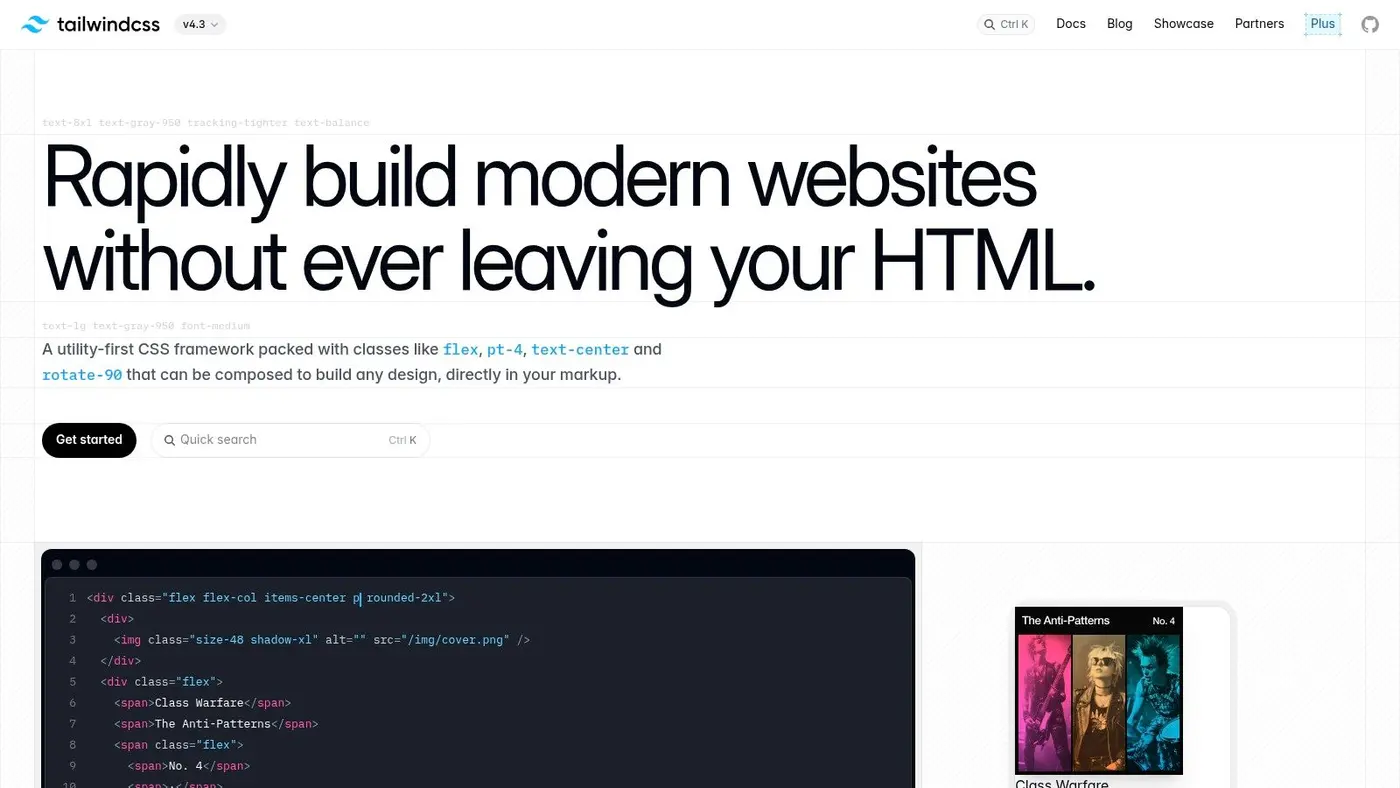
A lot of UI bugs aren't logic bugs. They're isolation bugs. A component looks fine on the page it was built for, then breaks when another team uses it with longer text, missing data, dark mode, or an unexpected container width.
Storybook helps because it forces components to stand on their own.
Why it matters beyond design systems
People often treat Storybook as a design system tool only. That's too narrow. It's useful anywhere components get reused, reviewed, or tested independently from the full application shell.
It's especially good for teams dealing with:
- Shared UI libraries across multiple apps
- Design and engineering review loops
- Regression risk in forms, modals, tables, and navigation
- Onboarding new developers into a component ecosystem
Writing stories also improves the component contract. If it's painful to represent a component in isolation, that often means the component is too coupled to app state or service code.
A component that only works inside one page isn't reusable. It's a page fragment wearing a reusable badge.
The trade-off nobody mentions enough
Storybook does add maintenance overhead. Stories need updating. Build config needs attention. Monorepos can get fiddly. If the team won't maintain it, a half-broken Storybook becomes shelfware fast.
The fix is simple. Don't document everything. Document what's reused, business-critical, or likely to regress. Buttons, inputs, banners, cards, empty states, and data display components are usually worth the effort. Hyper-specific one-off sections often aren't.
Storybook becomes much more valuable when paired with visual review and interaction tests. That's where it stops being a gallery and starts acting like a quality layer.
Use Storybook if your front-end stack needs stronger component discipline, not just prettier documentation.
7. Cypress
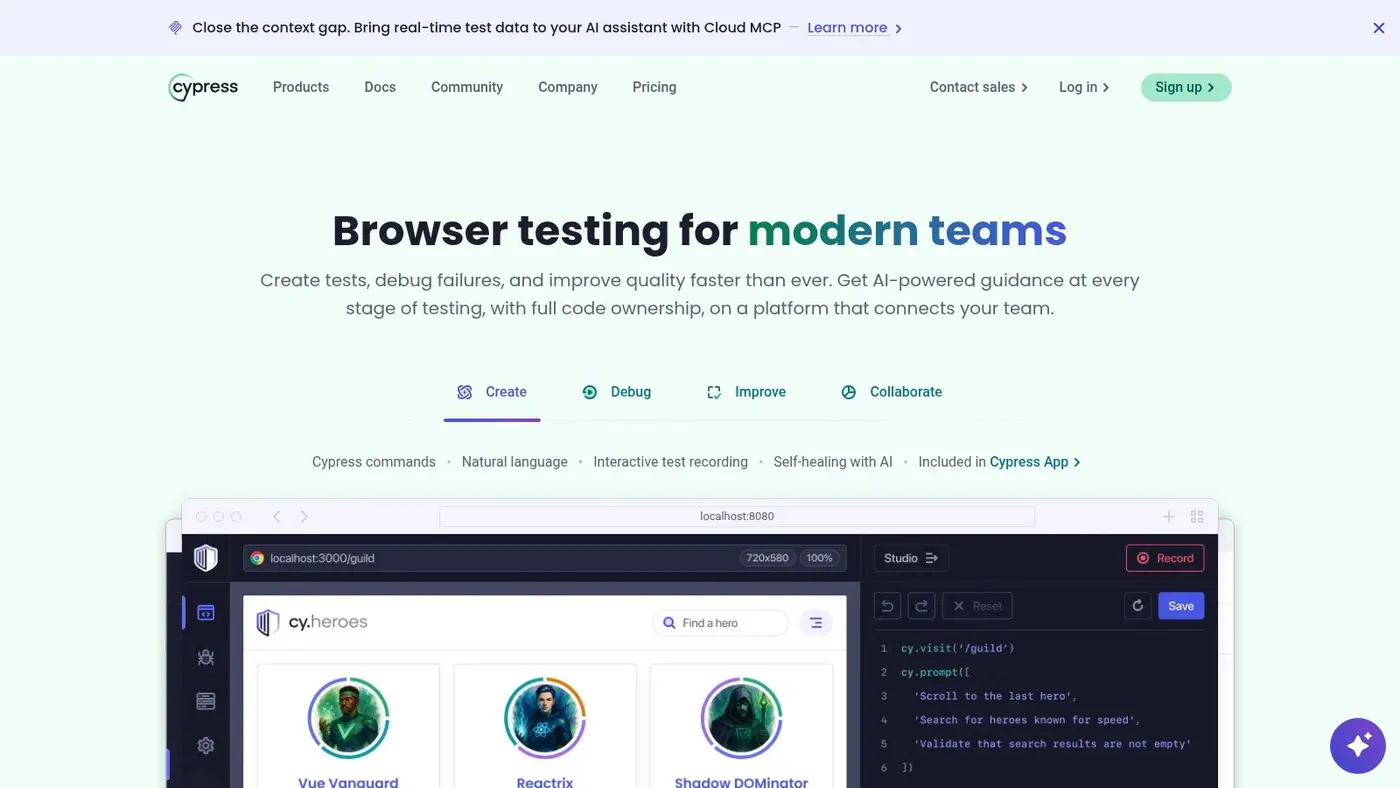
Cypress still has one of the friendliest testing experiences for front-end developers. If you want people to write and debug end-to-end tests, developer experience matters. Cypress lowers that barrier with an approachable runner, visual feedback, and straightforward debugging.
That's why teams often adopt it first for critical user journeys.
Where Cypress shines
Cypress is particularly strong for protecting conversion flows. Sign-up, checkout, lead capture, onboarding, and payment-adjacent interactions are the kinds of paths where a visible, browser-first test runner helps teams debug failures quickly.
Its strengths are practical:
- Clear local debugging
- DOM snapshots and time-travel inspection
- Good fit for UI-heavy workflows
- Low mental overhead for getting started
This makes Cypress a solid choice for product teams that want test coverage without asking every developer to become a testing specialist first.
Where it gets painful
Large suites can become slow. Cross-browser strategy may need more thought. And if your team wants deep parallelisation, advanced analytics, and hosted support around flaky tests, you may end up depending on paid cloud features sooner than expected.
That doesn't make Cypress a bad choice. It just means you should be honest about what problem you're solving. If the job is “protect our highest-value user flows and make failures easy to inspect”, Cypress does that well. If the job is “run a huge cross-engine matrix with minimal vendor dependence”, you may want Playwright instead.
One sensible pattern is using Cypress for the top-level journeys that matter to revenue, while keeping most feature validation lower in the stack through component and integration tests.
Use Cypress when the main goal is test authoring speed and debuggability for browser-driven flows.
8. Playwright
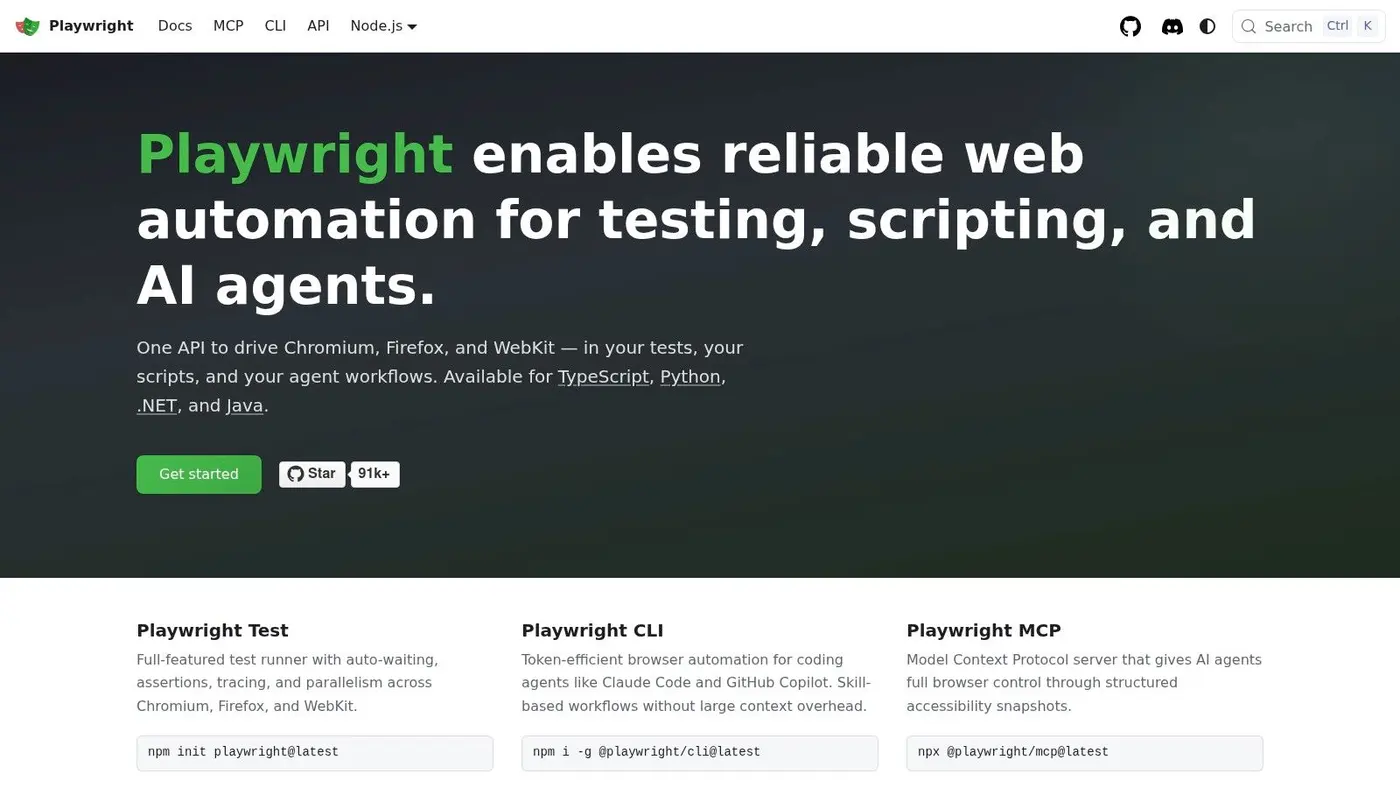
Playwright is what I'd choose when cross-browser confidence is essential. It covers Chromium, Firefox, and WebKit, and that changes the conversation from “it passed in Chrome” to “it behaves consistently where users are”.
That wider engine coverage is the main reason teams switch.
Why Playwright fits modern stacks well
Playwright has strong TypeScript ergonomics, sensible auto-waiting behaviour, useful tracing, and a test runner that suits CI well. It feels built for teams that want reliable automation rather than just local browser scripting.
It's a strong option for:
- Products with customer-facing checkout or onboarding flows
- Teams supporting Safari seriously
- CI pipelines that need parallel execution
- Developers already working heavily in TypeScript
The trace viewer is especially useful in real debugging. Instead of trying to reproduce a flaky failure from logs alone, you can inspect what the browser saw and when it happened.
Cypress or Playwright
This is usually the key question. If your team values the friendliest authoring experience and mostly cares about a narrow set of browser paths, Cypress is often enough. If your team needs broader engine coverage and a testing setup that scales more comfortably in CI, Playwright usually has the edge.
Neither tool eliminates the need for smart test boundaries. Don't use end-to-end tests to verify every validation message and spacing tweak. Reserve them for workflows where multiple systems meet and failure is expensive.
As part of a modern front-end toolchain, Playwright pairs especially well with Storybook and TypeScript. Components get isolated early, contracts stay typed, and the browser suite focuses on full user journeys instead of trying to catch everything.
Use Playwright when reliability across browsers matters more than the simplest possible first test.
9. Sentry
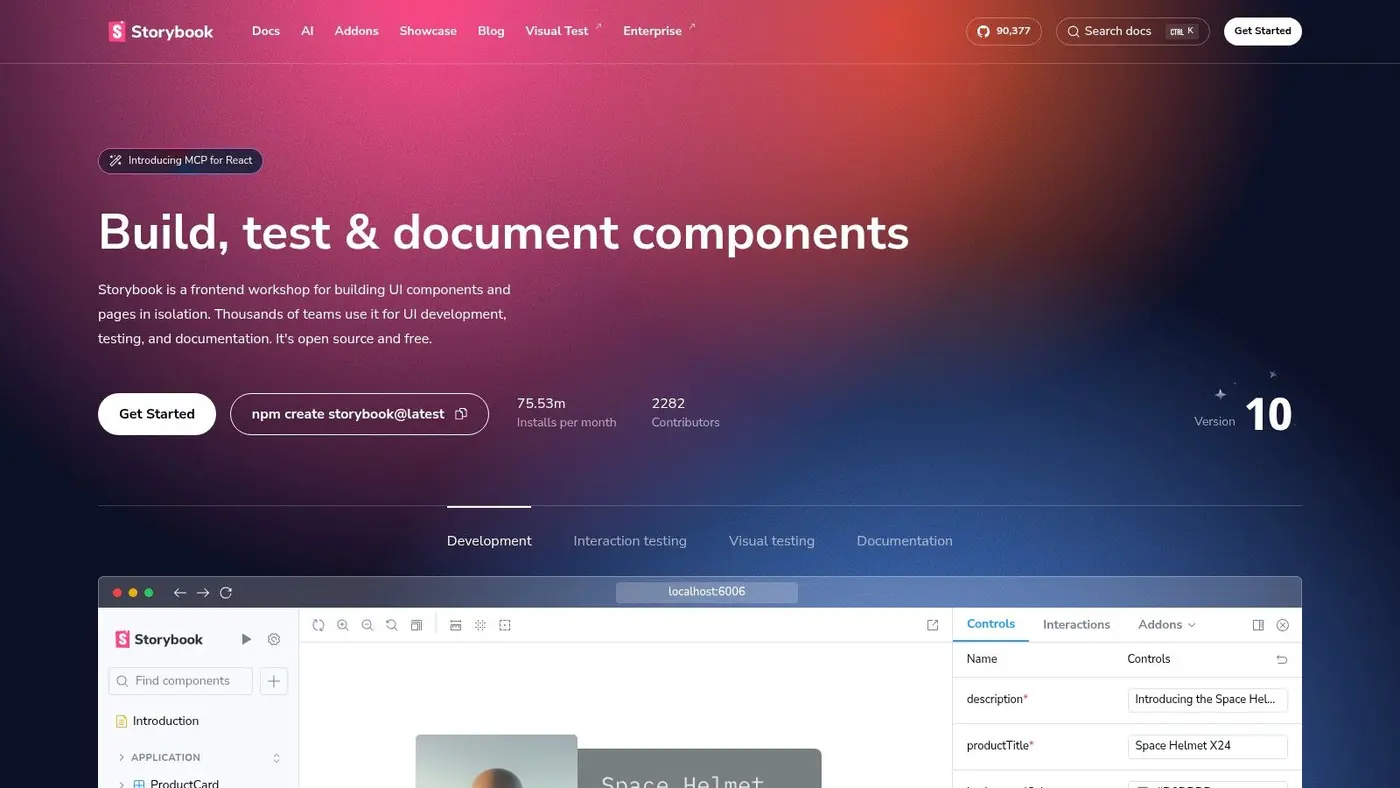
Front-end teams often over-invest in pre-release tooling and under-invest in production visibility. Then the same cycle repeats. Something fails for real users, support reports it vaguely, developers can't reproduce it, and everyone wastes hours hunting context that should have been captured automatically.
Sentry fixes that gap well.
What Sentry is actually for
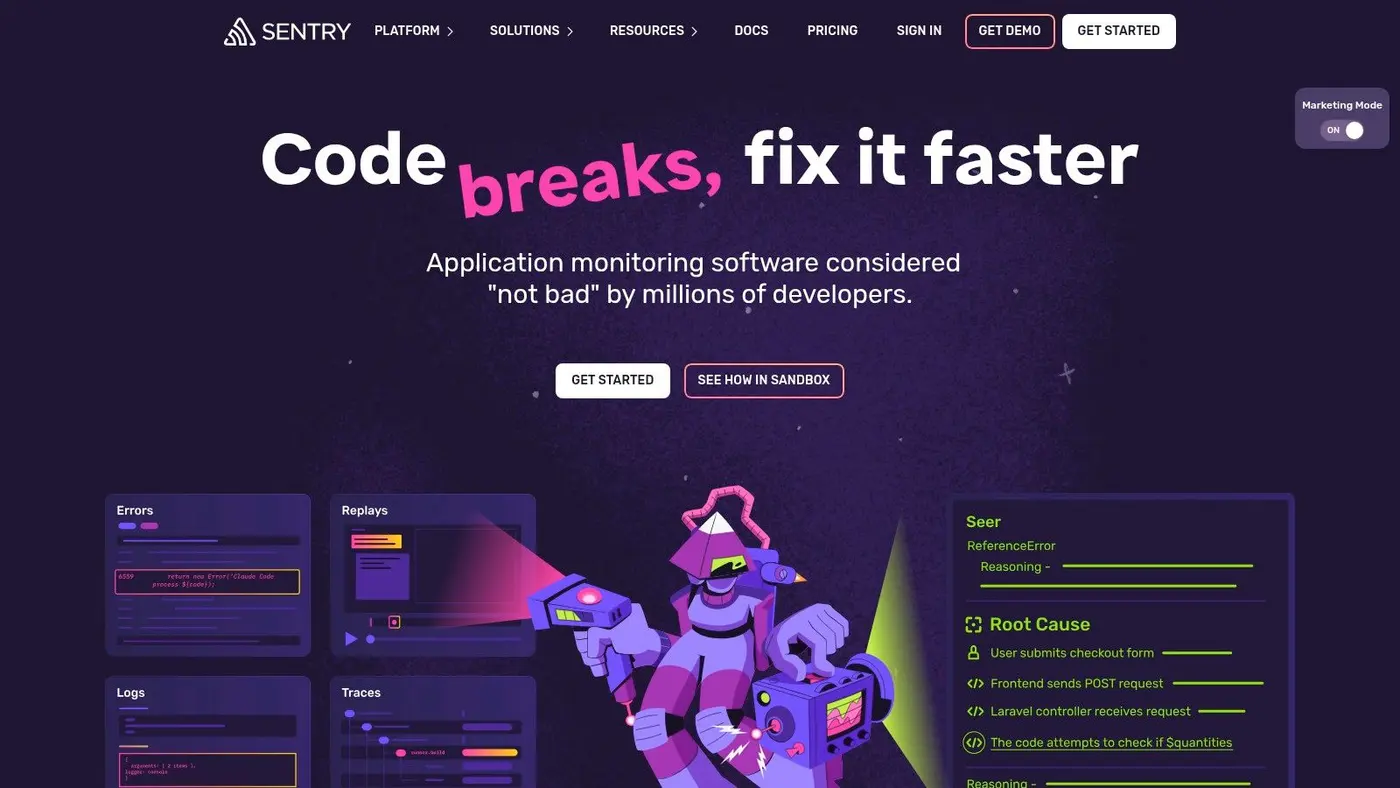
At its best, Sentry gives you the missing production trail. Error events, stack traces, breadcrumbs, performance spans, and session replay provide enough context to answer the question that matters most after release: what happened on the user's machine?
That makes it valuable for:
- Single-page apps with complex client state
- Checkout or onboarding funnels
- Teams shipping often
- Products where browser, network, and third-party variability causes real support load
The useful part isn't just seeing that an error happened. It's seeing the route, release, user flow, API sequence, and UI interaction around it.
Monitoring should shorten diagnosis. If it just creates another dashboard, the setup is wrong.
Common mistakes
The biggest mistake is turning Sentry on and never tuning it. Untagged events, noisy console captures, poor release tracking, and missing PII scrubbing make the signal much worse. Session replay can also become expensive or excessive if you capture too broadly.
A cleaner implementation works better:
- Tag releases and environments properly
- Filter expected noise
- Scrub sensitive fields
- Alert on actionable issues, not every issue
Sentry becomes even more useful when tied into pull requests, deploys, and experiment tracking. If a new A/B test variant increases a client-side error path, you want that visible quickly, not after a support backlog builds up.
Use Sentry when your team needs to close the gap between “works on my machine” and “works in production”.
10. Otter A/B
A common production problem looks like this. Marketing wants to test a new hero, pricing wants a different offer structure, and engineering is asked to add one more script that changes the page after load. The test launches, the page flickers, attribution is messy, and nobody trusts the result enough to ship the winner.
Otter A/B sits in the workflow stage after design and implementation. It answers a different question from the other tools in this stack: once the UI is live, how do you test changes without slowing the site or creating reporting disputes? That matters because a modern front-end stack should not stop at building and monitoring. It should also help teams decide what to change next.
The practical appeal here is operational simplicity. Teams can launch front-end experiments on landing pages, product pages, pricing pages, merchandising blocks, and calls to action without turning every test into a custom engineering project. For Shopify teams, this guide on how to A/B test Shopify stores effectively is a useful starting point.
Otter A/B works best for teams that care about three things at the same time:
- Fast test setup: useful for growth teams, e-commerce teams, and agencies running frequent page experiments
- Low front-end disruption: important when performance regressions can erase the lift a test was supposed to measure
- Business-facing reporting: helpful when stakeholders need revenue, order value, and conversion impact, not just click changes
That combination makes it a good fit in a toolchain built around React or Next.js, with Storybook for component work, Playwright or Cypress for regression coverage, and Sentry watching production issues. In that setup, Otter A/B handles experiment delivery and reporting. The rest of the stack keeps the release stable.
There are trade-offs. Teams in regulated environments may want clearer governance and approval controls before rolling it out widely. If your experimentation model depends on unusual data pipelines or very custom integrations, you may need extra JavaScript work instead of relying on the default setup. For a product team that mainly wants to test front-end variations quickly and tie results back to revenue, that is often a reasonable compromise.
Pricing starts low enough for smaller teams to try it without a long buying cycle. That makes it more realistic for companies that need experimentation as part of the front-end workflow, not as a separate enterprise program that only a specialist team can run.
Top 10 Front-End Developer Tools Comparison
| Tool | Core features | Quality & UX ★ | Price / Value 💰 | Best for 👥 | Unique edge ✨ |
|---|---|---|---|---|---|
| React | JSX components, hooks, client + server components | ★★★★★ | Free (OSS) 💰 | Front‑end devs, apps 👥 | Massive ecosystem, flexible ✨ |
| Next.js | SSR/SSG/ISR, file routing, server components | ★★★★★ | Free OSS; Vercel hosting paid 💰 | SEO & conversion pages, full‑stack 👥 | Batteries‑included production stack ✨ |
| Vite | Lightning dev server, HMR, Rollup builds | ★★★★★ | Free (OSS) 💰 | Fast dev feedback loops, monorepos 👥 | Near‑instant cold starts ✨ |
| TypeScript | Gradual typing, editor tooling, compile checks | ★★★★★ | Free (OSS) 💰 | Large codebases, teams 👥 | Safer refactors & clearer APIs ✨ |
| Tailwind CSS | Utility‑first classes, tree‑shaking, plugins | ★★★★★ | Free OSS; paid UI kits available 💰 | Designers + devs, rapid UI iteration 👥 | Tiny CSS bundles, consistent tokens ✨ |
| Storybook | Component workshop, autodocs, addons | ★★★★☆ | Free OSS; Chromatic cloud paid 💰 | Design–dev collaboration, docs 👥 | Isolated dev & visual testing ✨ |
| Cypress | Browser test runner, time‑travel debugging | ★★★★☆ | Free OSS; Cloud parallelisation paid 💰 | UI regression & conversion flows 👥 | Excellent DX for writing/debugging tests ✨ |
| Playwright | Cross‑engine E2E, tracing, parallel runner | ★★★★☆ | Free OSS; cloud options vary 💰 | Cross‑browser reliability, CI 👥 | Chromium/Firefox/WebKit parity & traces ✨ |
| Sentry (Frontend Monitoring) | Error monitoring, RUM, session replay | ★★★★☆ | Freemium + usage tiers 💰 | Frontend ops, performance & reliability 👥 | RUM + Replay + traces for UX insights ✨ |
| 🏆 Otter A/B | 9KB SDK (<50ms), visual editor, unlimited variants, continuous significance | ★★★★★ | Starts $39/mo; 14‑day trial 💰 | Growth teams, e‑commerce, agencies 👥 | Zero flicker, revenue‑linked metrics, Slack alerts & brandable reports ✨🏆 |
Choosing Your Stack: A Practical Framework
The best stack isn't the one with the most logos on a diagram. It's the one your team can operate confidently under deadline, with enough structure to avoid chaos and enough flexibility to keep shipping. That's why choosing front end developer tools should start with workflow pressure points, not trend-chasing.
Start with the application shape. If you're building a content-heavy site with SEO requirements and a product surface attached, React plus Next.js is a sensible default. If you're building an internal tool, an admin interface, or a client-heavy app without much need for server rendering, React with Vite may be the cleaner option. The wrong choice here usually shows up as unnecessary complexity, not immediate failure.
Then look at team maturity. TypeScript, Storybook, Playwright, and Sentry all get more valuable as teams grow and shared ownership increases. A solo builder can get away with more shortcuts. A multi-person team usually can't. Tooling that clarifies contracts, isolates components, protects core flows, and exposes production failures becomes more important as the number of contributors rises.
The practical stack I'd consider for many modern teams is straightforward. React for the UI model. Next.js if routing, rendering strategy, and SEO are central. Vite when a lighter app setup makes more sense. TypeScript to keep interfaces explicit. Tailwind CSS if the team wants fast, consistent styling with clear conventions. Storybook for reusable UI. Playwright or Cypress depending on whether cross-browser depth or authoring simplicity matters more. Sentry for production visibility. Otter A/B when experimentation is part of how the business improves the product.
What doesn't work is mixing tools without deciding who owns each layer. Two routing strategies, three styling approaches, partial TypeScript adoption, and unmaintained tests create a stack that looks modern on paper and feels brittle in practice. Most front-end pain comes from overlap and drift, not from picking a universally “bad” tool.
Performance budget should influence every choice. If local development is slow, fix the build loop. If CSS keeps sprawling, tighten the styling model. If bugs only appear after release, invest in monitoring. If changes go live without learning, add experimentation. That sequence matters more than collecting every popular tool at once.
Existing infrastructure matters too. If your team already deploys comfortably around a React ecosystem, forcing a totally different stack for theoretical elegance often backfires. Consistency has value. Familiarity has value. A slightly less fashionable tool that the whole team understands can beat a sharper tool that only one person can debug.
Treat this guide as a stack-building framework. Pick the minimum set of tools that strengthens development speed, code quality, release confidence, and learning after launch. Then make the pieces work together on purpose.
If experimentation is part of your front-end workflow, Otter A/B is worth a close look. It gives teams a lightweight way to test headlines, layouts, CTAs, and revenue-impacting changes without adding the flicker and performance drag that make many testing tools frustrating in production.
Stop guessing
Ready to start testing?
Set up your first A/B test in under five minutes. No credit card required.
- 14-day free trial
- No credit card required
- Cancel anytime