Ab Testing Javascript: Complete Implementation Guide 2026
Master ab testing javascript with this step-by-step guide. Learn SDK integration, flicker prevention, variant creation, goal tracking, and significance

Your marketer wants to test a new checkout CTA before the next campaign goes live. The copy is ready, the variation takes a few lines of JavaScript, and the dashboard promises an answer. Then the control flashes before the new button appears, two experiments rewrite the same component, and the report declares a winner after a busy weekend.
That's the reality of A/B testing with JavaScript. Changing a page is easy. Delivering the right version consistently, without visual instability or unreliable measurement, takes considerably more care.
Why JavaScript Powers Modern A/B Testing
A client-side test is attractive because it sits close to the interface. A marketer can change a headline, CTA, product card, or layout without waiting for a backend release. On Shopify and WordPress, that might mean a targeted DOM change. In Next.js, it could be a component choice driven by an experiment assignment. The speed is useful, especially when the hypothesis concerns presentation rather than business logic.
That convenience comes with a contract. The browser must assign a visitor to a control or variation, keep that assignment stable, apply the change at the right time, and send the same experiment identity with every relevant conversion event. GOV.UK describes A/B testing as a random and equal split between two versions, followed by analysis of behavioural and outcome differences in its guidance on comparative studies.
Production rule: A JavaScript experiment isn't a reliable test until assignment, exposure, and conversion tracking all work together.
The common CTA experiment illustrates the trade-off. A client-side script can replace the button text quickly, but it may load after the original page has painted. A visitor then sees “Get started”, watches it change to “Book a demo”, and may click before the analytics system has recorded the variant. That creates both a poor experience and ambiguous data.
Speed doesn't remove statistical discipline
Fast deployment can encourage excessive testing. A UK dataset covering 2,408 A/B tests between January 2023 and March 2026 found that 17.4% reached statistical significance with a winning variant, while 74.2% were inconclusive. The same dataset reported a median requirement of 14,800 sessions per variation to detect a 5% minimum detectable effect on a 3% baseline, at 95% confidence and 80% power. Those figures are reported in UK A/B testing statistics for 2026.
That benchmark changes how a team should interpret a quick dashboard result. JavaScript gives you implementation speed, not evidence. Server-side testing may be preferable when a variation affects pricing, eligibility, authentication, or any content that must be generated consistently before the page reaches the browser. It also deserves consideration for high-traffic or privacy-sensitive services, where consent, flicker, and delivery control matter more than visual-editor convenience.
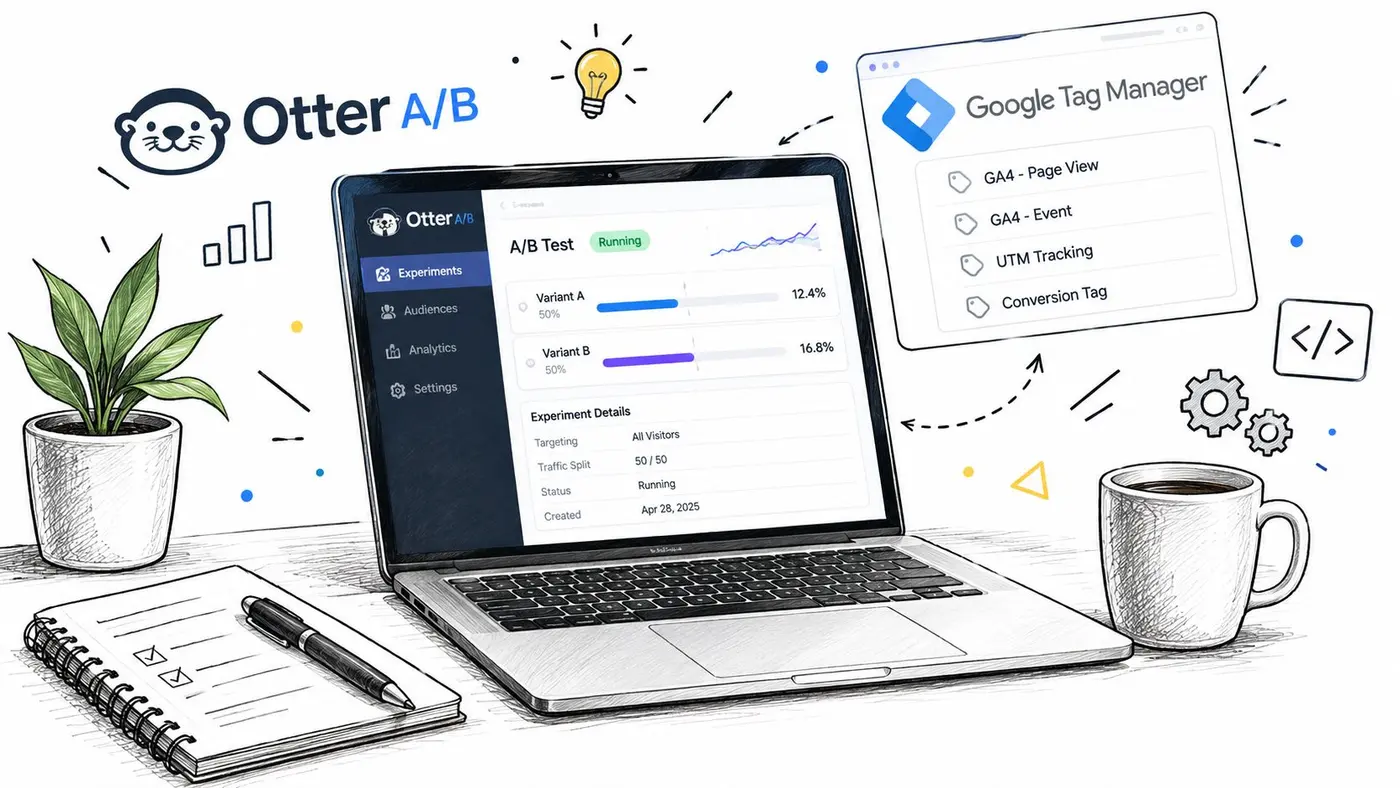
Installing the Otter A/B SDK and Tag Manager Setup
Start with the installation method that gives the experiment the earliest reliable execution point. A direct script in the document head usually offers more control than a tag that waits for later page events. That distinction matters for visual tests, because a late script can expose the control before applying the challenger.
The product brief for Otter A/B describes a 9KB SDK, loading in under 50ms, with zero flicker and 99.9% uptime. Treat those as product claims to validate against your own site, consent mode, caching layer, and performance monitoring rather than as a substitute for testing your implementation.
Direct installation
Use the vendor's current quick-start documentation for the production snippet and account-specific configuration. Conceptually, the placement should look like this:
<head>
  <script
    src="https://your-testing-sdk.example/sdk.js"
    data-project="your-project-id"
    data-environment="production"
    defer>
  </script>
</head>
The exact URL and attributes must come from your account. Don't copy a placeholder into production. On Shopify, add the approved script through the theme or supported customer-events mechanism. On WordPress, use the site's controlled header integration rather than editing a theme file that will be overwritten. In a custom application, keep the project identifier and environment selection separate from experiment logic.
Google Tag Manager
GTM works well when your organisation centralises marketing tags, but configure firing deliberately:
- Create a Custom HTML tag containing the approved SDK snippet.
- Set its trigger to the earliest suitable page-view event.
- Use consent settings that match your legal and analytics requirements.
- Exclude staging or preview hosts from production experiment audiences.
- Publish through GTM's preview mode, then inspect assignment and conversion events.
GTM can simplify ownership, but it can also add timing uncertainty. If the test changes above-the-fold content, compare direct head installation with GTM under a throttled connection. Confirm that users aren't assigned twice, that a route change doesn't create a second exposure, and that disabling the tag restores the original experience cleanly.
Preventing Flicker and Maintaining Visual Stability
Flicker occurs when the browser paints the control before JavaScript applies the variation. The sequence is usually simple: HTML arrives, the browser renders it, the SDK executes, and the DOM changes. Even a short interval can create a visible jump, especially on a slow connection or a page with a large hero section.
The practical response is to make the variation decision as early as possible and hide only what must be protected. A blanket page hide can prevent flicker, but it can also delay perceived rendering and make the site feel broken. Prefer a narrowly scoped element, a short fail-open timeout, and a variation that preserves dimensions.
Techniques that survive real browsers
A stable implementation usually combines several controls:
- Early execution: Load the experiment code before the tested content becomes visible.
- Scoped hiding: Apply a class to the target component, not the entire document.
- Stable dimensions: Reserve space so the variation doesn't trigger a layout shift.
- Specificity control: Use targeted CSS overrides when existing styles win over injected rules.
- Route awareness: Re-run exposure logic only when a single-page application enters a tested route.
- Network testing: Check fast, slow, cached, uncached, mobile, and consent-delayed scenarios.
A visibility hook can be useful for a small target:
const target = document.querySelector('[data-test="hero-cta"]');

if (target) {
  target.classList.add('experiment-pending');

  requestAnimationFrame(() => {
    applyAssignedVariant(target);
    target.classList.remove('experiment-pending');
  });
}
The CSS should avoid hiding unrelated content:
[data-test="hero-cta"].experiment-pending {
  visibility: hidden;
}
This pattern isn't sufficient on its own. If the assignment arrives after the first paint, the visitor can still experience a delay. Validate the complete sequence in the browser's performance panel and monitor layout behaviour with guidance such as how cumulative layout shift affects pages.
Google permits testing with JavaScript, but its website testing guidance warns against cloaking and persistent differential content delivery. Keep the control and variation equivalent in search intent, don't serve materially different content only to crawlers, and provide a switch-off path. GOV.UK also documents CDN-based experimentation and an ab_test custom parameter sent to GA4, showing that variant assignment must be connected to analytics rather than left as a visual-only change.
Creating Variants and Defining Conversion Goals
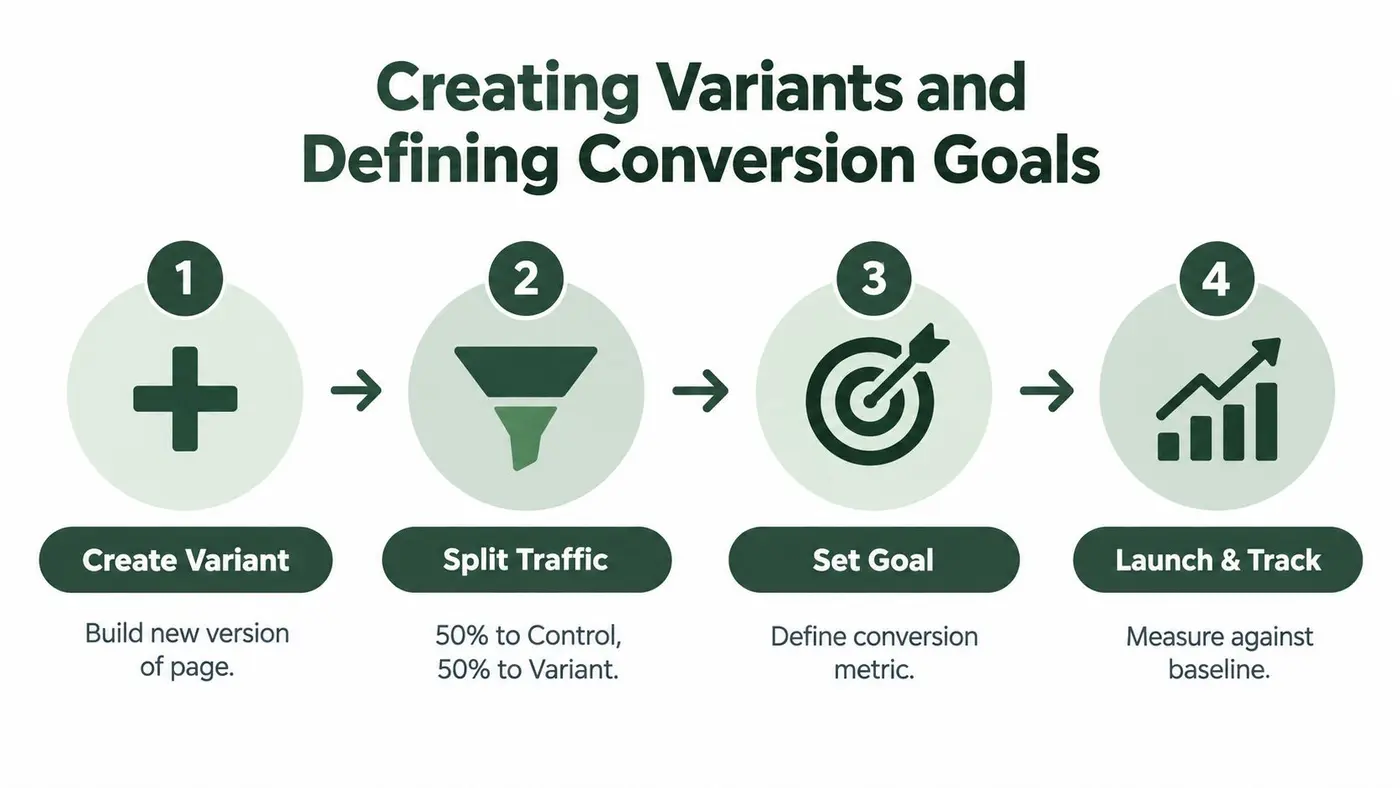
A useful experiment starts with one decision. “Changing the page” isn't a hypothesis. “A shorter checkout CTA will increase completed purchases without reducing order value” is testable because it names the change, the primary outcome, and the business risk.
Create a control and one challenger first. Multiple variations can be valid, but each extra branch increases the amount of traffic and interpretation required. Your assignment layer should also persist the chosen variant through the session and across the conversion journey, using the platform's supported identity and storage method.
Build the variant around one hypothesis
A framework-agnostic pattern might look like this:
const experiment = {
  key: 'checkout-cta-copy',
  variants: {
    control: { label: 'Get started' },
    challenger: { label: 'Book a demo' }
  }
};

function renderVariant(assignment) {
  const button = document.querySelector('[data-checkout-cta]');
  if (!button) return;

  button.textContent = experiment.variants[assignment].label;
  button.dataset.experiment = experiment.key;
  button.dataset.variant = assignment;
}
The SDK should own randomisation, persistence, exposure logging, and reporting where those capabilities exist. Don't build a second assignment mechanism in application code. On Next.js, make sure the server-rendered output and hydrated client state don't disagree, or the user may see one version before React replaces it with another. On Webflow, keep selectors resilient and avoid targeting classes generated only for visual styling.
Measure the outcome, not the click alone
Track the complete path. A CTA click can be a useful diagnostic event, but it isn't necessarily the business result. UK CRO guidance recommends capturing conversion events rather than page views alone, and pairing conversion rate with revenue per visitor or revenue per variant for e-commerce decisions, as described by Dawn's A/B testing guidance.
Useful goal definitions include:
- Purchase completion: Record the completed transaction, not just the checkout-page visit.
- Revenue: Associate transaction value with the assigned variant.
- Average order value: Compare whether a higher conversion rate comes with smaller baskets.
- Feature adoption: Track the meaningful action after a feature is introduced.
- Lead quality: If possible, connect form completion to the downstream qualification event.
A simple event call might be:
window.analytics?.track('experiment_conversion', {
  experiment: 'checkout-cta-copy',
  variant: currentVariant,
  revenue: orderTotal
});
Use your actual analytics API and consent rules. The important part is that the event carries experiment and variant identity, and that the primary KPI is fixed before launch.
Validating Statistical Significance and Declaring Winners
A dashboard can show a leading variant before the evidence is stable. The apparent lift may come from random variation, a traffic anomaly, a campaign source, or a weekday pattern. In client-side tests, interference from another experiment can create the same illusion. Declaring a winner because a line moved upward produces false positives and sends teams toward the wrong implementation.
Set the analysis rules before launch. A frequentist workflow commonly uses a 95% confidence threshold, while confidence intervals and power calculations show whether the observed difference is precise enough to support a decision. Run through a complete activity cycle, typically 2–4 weeks, because weekly patterns and seasonality can distort a shorter test. These recommendations are covered in UK guidance on A/B testing tools. For the full methodology, see our guide to A/B testing statistical significance.
Read the result as a decision, not a trophy
A z-test can compare conversion proportions between control and challenger, but its output still requires careful interpretation:
- A p-value helps assess whether the observed difference is inconsistent with the no-difference assumption.
- A confidence interval shows the plausible range of the effect, often giving more context than a single lift value.
- Power describes the ability to detect the effect you planned to detect.
- An inconclusive result means the test has not established a dependable difference. It does not prove that both versions perform identically.
Otter A/B's product brief describes a frequentist z-test engine that continuously calculates significance at a 95% confidence threshold. Whether you use that system, an analytics platform, or your own analysis, keep the safeguards consistent: define the primary KPI before launch, avoid repeated peeking without an agreed sequential method, and do not rewrite the hypothesis after viewing results. For a broader walkthrough, how to test for statistical significance explains the underlying process.
Decision rule: Stop when the pre-agreed evidence and business context support a rollout, not when the dashboard first displays a green badge.
An inconclusive experiment can still guide the next iteration. Verify that the JavaScript exposed the intended audience, recorded the correct variant, and captured conversions without interference from another test or a delayed consent signal. If the test was underpowered, redesign the hypothesis rather than extending it indefinitely. If the effect is too small to matter commercially, shipping either version may be less valuable than testing a larger change.
Troubleshooting Common JavaScript Testing Problems
Most failures aren't caused by the button-replacement code. They come from the edges around it: a consent tool blocks the SDK for part of the audience, a SPA route change logs repeated exposures, a Shopify checkout event never reaches the analytics layer, or two tests modify the same headline.
Start with the assignment record. For every session, you should be able to answer which experiment ran, which variant was assigned, when exposure occurred, and which conversion events followed. If those fields are missing, don't interpret the result yet.
Client-side and server-side failure modes
| Problem | Client-side JavaScript response | Server-side or hybrid response |
|---|---|---|
| Flicker | Execute early, scope visibility, reserve layout space | Deliver the assigned markup before paint |
| Consent delay | Respect consent state and avoid unlogged exposure | Resolve eligibility within the approved data flow |
| Multiple tests | Use audience exclusions and ownership rules | Coordinate assignments centrally |
| Dynamic routes | Handle route changes and deduplicate exposure | Assign at the request or application layer |
| Sensitive content | Avoid changing eligibility or protected data in the browser | Keep the decision and content delivery on the server |
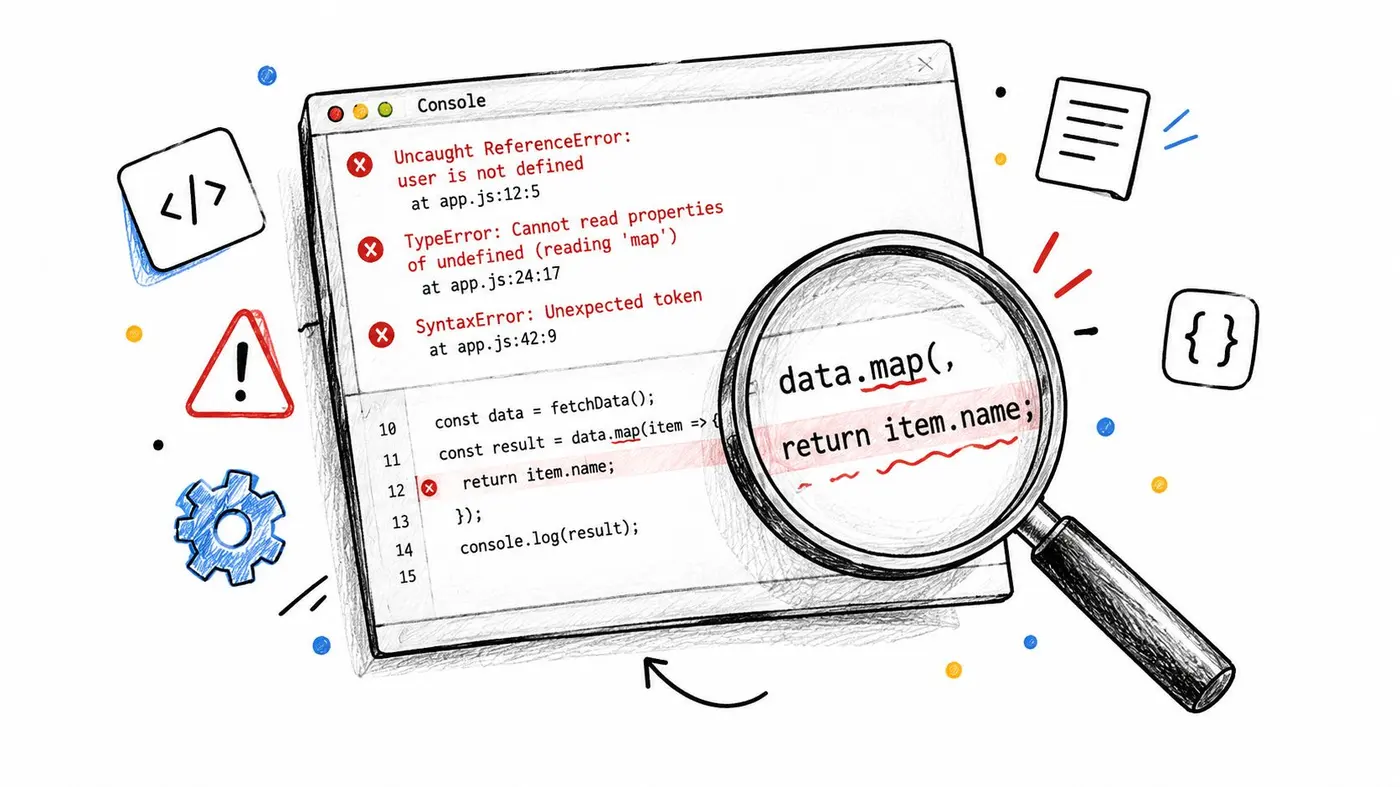
Sampling bias can appear when one traffic source receives a different experience, when returning users lose their assignment, or when a campaign lands on a partially loaded page. Traffic anomalies deserve a separate annotation, not a silent continuation. Check browser console errors, network requests, event payloads, and variant counts before touching the hypothesis.
Experiment interference is harder to spot. A homepage test may change the audience entering a pricing test, while two scripts compete to rewrite the same DOM node. Use mutually exclusive audiences, documented ownership of selectors, and offsets where the testing platform supports them. On WooCommerce, inspect purchase events after payment redirects. On Squarespace, Framer, and similar hosted platforms, verify that custom scripts survive template changes and don't run more than once.
When JavaScript isn't the right layer
Client-side testing is a practical choice for copy, styling, and contained layout changes. It becomes less attractive when the browser must decide pricing, permissions, inventory, or personalised content that should never be exposed to the wrong visitor. Server-side or hybrid delivery also reduces flicker and gives engineering teams tighter control over caching and rendering, although it demands more application integration.
GOV.UK's publishing documentation describes A/B and multivariate testing through Fastly, with attention to technical control, governance, and metadata rather than only front-end snippets. That example supports a sensible escalation path: keep simple visual experiments close to the browser, but move consequential or privacy-sensitive decisions into a controlled delivery layer.
Otter A/B offers a JavaScript SDK and dashboard for assigning visitors to variants, adding custom CSS or JavaScript, tracking conversions, and reporting revenue-related outcomes. It supports integrations including Shopify, WordPress, Webflow, WooCommerce, Next.js, and Google Tag Manager, so it can sit alongside a client-side workflow when that delivery model fits the experiment.
If you want to run JavaScript experiments without losing control of flicker, assignment, interference, or statistical validation, explore Otter A/B. Set up a focused test, connect the conversion and revenue events that matter, and use the resulting evidence to decide what should ship.
Stop guessing
Ready to start testing?
Set up your first A/B test in under five minutes. No credit card required.
- 14-day free trial
- No credit card required
- Cancel anytime