The 10 Best Thematic Analysis Software Tools for 2026
Find the best thematic analysis software for your research. Compare 10 top tools for academia, UX, and market research based on features, price, and use cases.
You've finished the hard part. The interviews are done, the survey responses are in, and the user feedback doc has stopped feeling “rich” and started feeling unmanageable. What sits in front of you now is usually a messy stack of transcripts, notes, clips, comments, and half-formed ideas that all seem important at once.
That's where thematic analysis earns its keep. It gives you a way to move from scattered observations to themes you can defend. But the method is only half the story. The tool you use changes how easily you can code, regroup, compare, memo, and explain what you found. If your current workflow is folders, highlights, and a growing sense of dread, dedicated thematic analysis software can remove a lot of friction.
It's also worth being honest about when software is and isn't necessary. A UK medical research guide notes that thematic analysis can be done in Microsoft Word with highlighting and comments, especially for smaller studies, while CAQDAS tools mainly help with retrieval, comparison, and code clustering in more demanding projects (UK medical research guide on thematic analysis workflows). So the right question isn't “what's the most powerful tool?” It's “what fits the way I work?”
If you're still shaping your method, this guide on how to analyze qualitative data is a useful companion. For now, here are the tools I'd shortlist by workflow, not just by feature list.
1. NVivo
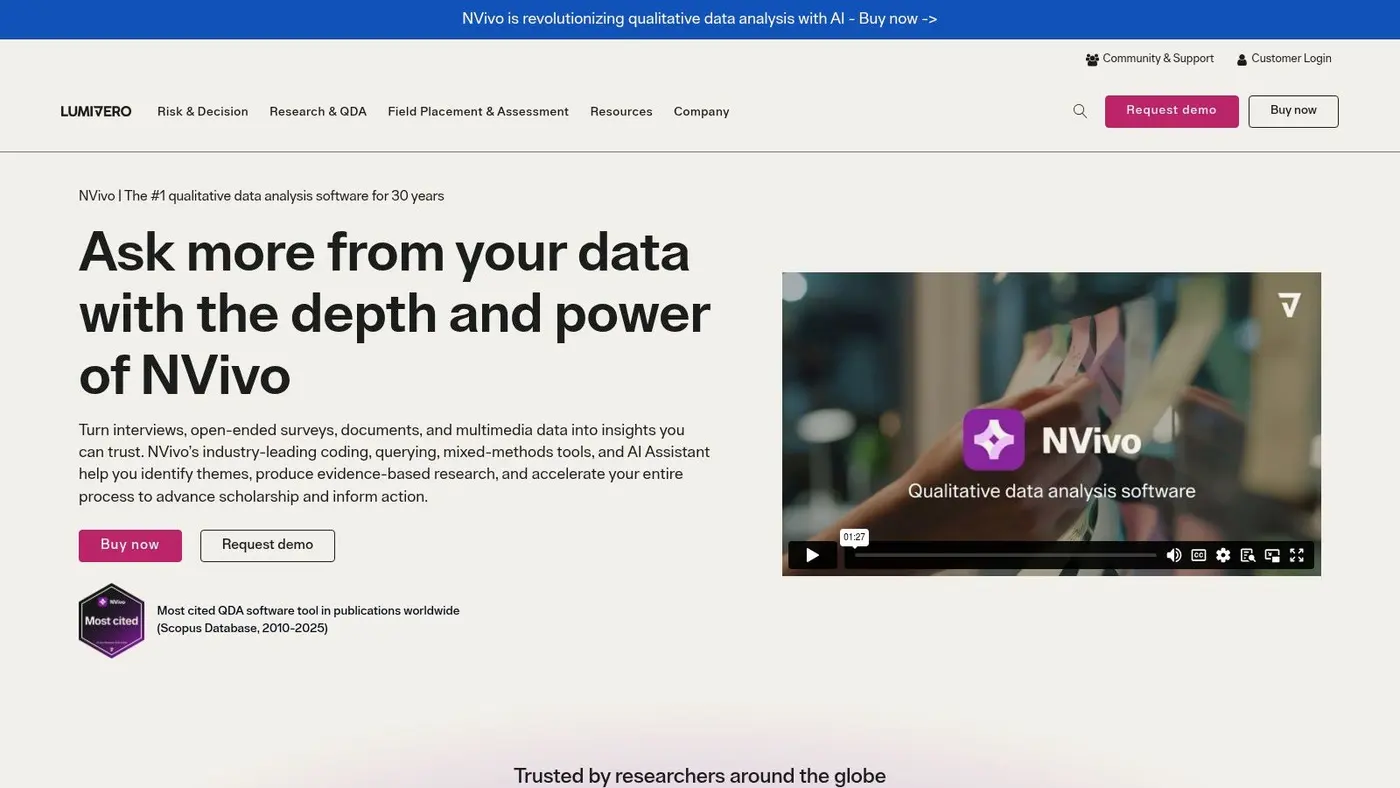
NVivo is the tool I'd point to for rigorous academic work, public-sector evaluation, and any project where you need a defensible audit trail. It's one of the established names in computer-assisted qualitative analysis, and in UK research settings it's often treated as a standard option alongside MAXQDA for thematic analysis workflows (MAXQDA overview of thematic analysis software and its role in research practice).
If your project involves layered coding structures, memos, mixed methods, or the need to answer “why did you group these excerpts together?”, NVivo is built for that. It supports node hierarchies, detailed coding, queries, and a range of imports that suit interview transcripts, surveys, spreadsheets, and more.
Best for rigorous thesis and evaluation work
For a doctoral thesis, funded research project, or formal programme evaluation, NVivo makes sense because it lets you preserve your reasoning, not just your outputs. That matters when a supervisor, reviewer, or stakeholder wants to trace a theme back to source material.
A few practical trade-offs stand out:
- Best fit: Large or formal projects where coding depth and documentation matter more than speed.
- What works well: Hierarchical nodes, memos, advanced queries, and mixed-methods-friendly imports.
- What doesn't: The learning curve. New users often spend too long figuring out where key functions live.
Practical rule: Choose NVivo when you need to defend your analysis later, not just finish it quickly.
It also helps that UK institutional use of qualitative analysis tools is well established. The UK Data Service launched in 2012 and now supports researchers with access to more than 8,000 data collections, which reflects a broader environment where systematic, software-supported qualitative workflows are normal rather than niche (UK Data Service milestone and thematic analysis software context).
For teams that also care about turning findings into a more structured evidence trail, I'd pair this kind of analysis discipline with a clear results analysis framework.
Use NVivo by Lumivero when your project has to stand up to scrutiny.
2. ATLAS.ti
ATLAS.ti suits researchers who think visually and want more than a plain coding tree. If your analysis depends on seeing relationships between concepts, not just tagging excerpts, it has a strong case. Its network views and concept-mapping style can be especially useful when themes are still unstable and you're trying to understand how ideas connect.
I've found ATLAS.ti easiest to recommend to teams that sit between academia and applied research. It can handle serious qualitative work, but it also feels flexible enough for commercial studies and distributed teams that want desktop and web options.
Best for visual thinkers and distributed teams
ATLAS.ti is often more approachable than the heaviest CAQDAS tools, especially for people who want to explore patterns spatially. That makes it a good fit for collaborative research teams mapping service experiences, policy journeys, or customer narratives.
The catch is that visual richness can also create clutter. You can end up with multiple ways to do similar tasks, and that slows people down if they haven't agreed on a shared workflow.
- Best fit: Collaborative teams that want coding plus relationship mapping.
- What works well: Network views, concept mapping, flexible deployment, and a generally intuitive feel for many new users.
- What doesn't: Licence clarity can take effort, and teams should check exact regional or segment-specific purchasing options before rollout.
A practical use case is customer journey work. If you're analysing interviews to map moments of friction and expectation, the visual relationship features can help before you formalise themes. That's especially helpful when your end output connects qualitative evidence to journey stages, like the examples in these customer journey map examples.
ATLAS.ti won't be everyone's favourite, but for teams that want analysis to feel exploratory rather than procedural, it can be a very good match. The product site is ATLAS.ti.
3. MAXQDA
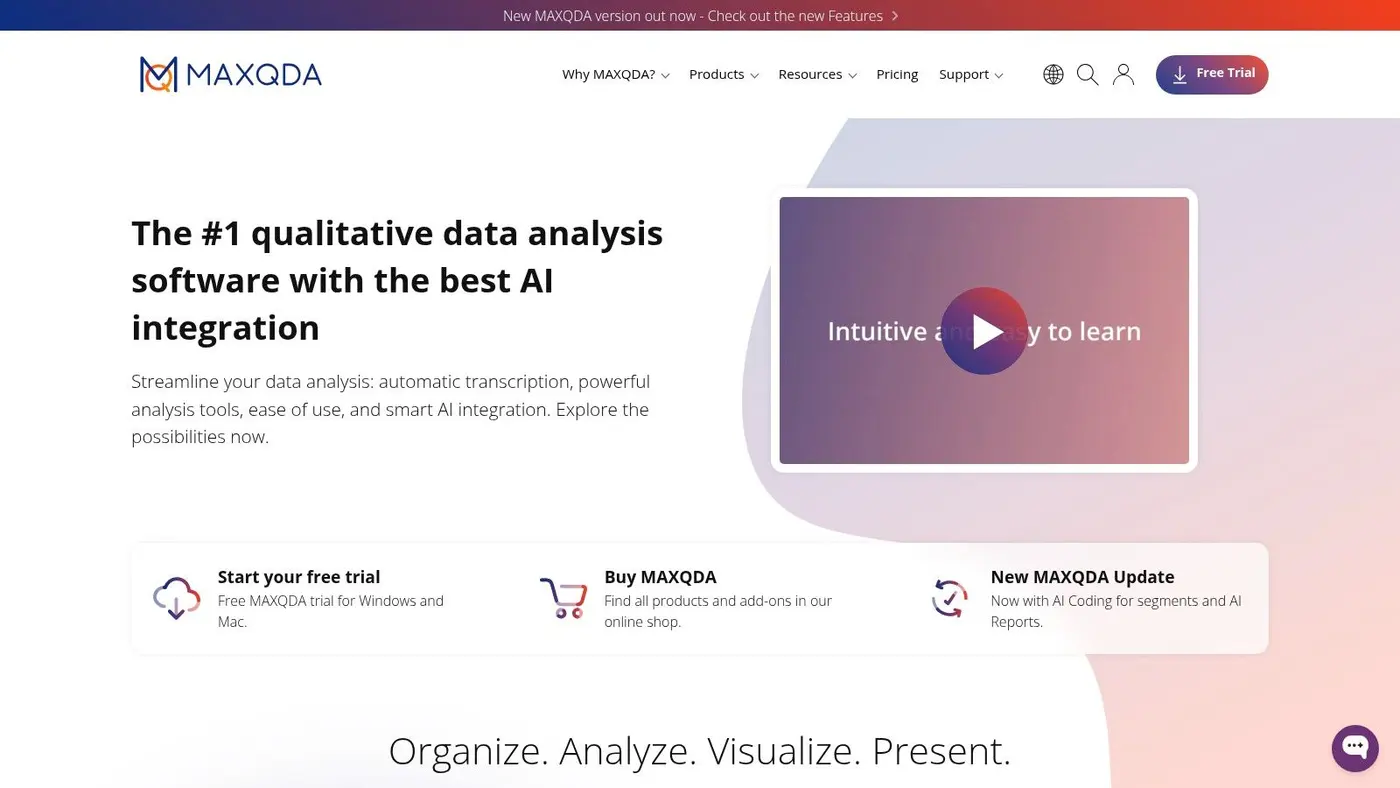
MAXQDA is the thematic analysis software I'd recommend to researchers who want a serious CAQDAS tool without feeling locked into one operating system or one narrow method. Its Mac and Windows experience is notably consistent, which matters more than vendors sometimes admit. Teams adopt tools faster when everyone sees roughly the same interface.
It's also one of the cleaner choices for mixed workflows. If your project starts as interviews but later pulls in survey responses, descriptive statistics, or structured variables, MAXQDA handles that shift better than many lightweight tools.
Best for mixed-methods researchers and cross-platform teams
MAXQDA feels strongest when your work sits at the boundary between classic qualitative coding and broader analysis. You can code thoroughly, retrieve excerpts, build visual outputs, and still keep room for more structured analytical moves if the project expands.
That flexibility comes with familiar trade-offs:
- Best fit: Researchers who expect projects to evolve from pure qualitative work into mixed analysis.
- What works well: Strong visuals, robust coding and retrieval, and parity across macOS and Windows.
- What doesn't: You need to pay attention to product variants and add-ons, because the best fit depends on whether you need extra analytics or transcription support.
For UX and digital teams, one underappreciated use case is pairing qualitative insight with behavioural patterns. If you're trying to connect interview themes with observed interaction issues, tools that keep visual analysis close at hand are useful. A related example is how teams interpret website heat maps alongside interview and usability findings.
MAXQDA isn't the simplest tool on this list, but it's one of the safest recommendations for experienced researchers who need room to grow. You can explore it at MAXQDA.
4. Dedoose
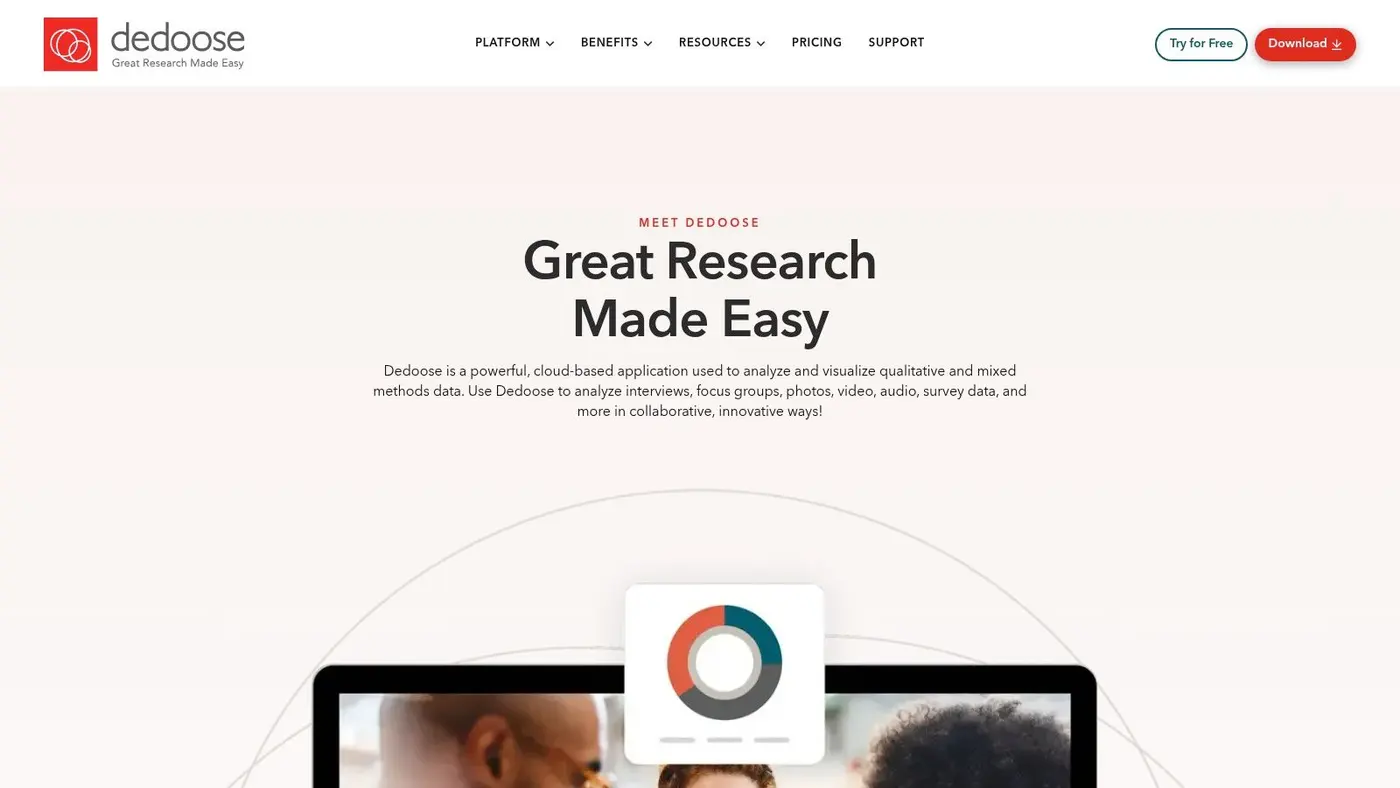
Dedoose makes the most sense when your analysis happens in bursts. Agencies, consultancies, and lean research teams often don't need year-round heavy CAQDAS infrastructure. They need a tool they can spin up for active projects, collaborate in, and step away from when the sprint ends.
That's where Dedoose is practical. It's browser-based, supports collaboration well, and doesn't force the same kind of desktop setup that some university-centred tools still assume.
Best for collaborative sprint-based work
The strongest reason to choose Dedoose is workflow, not prestige. If several people need to code, compare, and discuss material quickly, a cloud-first environment with role-based permissions is often more important than having every advanced query feature imaginable.
Use Dedoose when the real problem is coordination, not analytical sophistication.
Its mixed-methods support is also helpful for teams working across interview transcripts and coded survey data. You can keep qualitative and structured material in the same working environment without immediately graduating to a larger enterprise setup.
The obvious downside is policy fit. If your organisation has strict requirements around offline work or on-premises control, a cloud-only tool may be a non-starter. Dedoose also isn't my first pick for highly formal academic projects where a supervisor expects a very traditional CAQDAS workflow.
Still, for project-based collaboration, it's one of the more sensible options. The product site is Dedoose.
5. Quirkos
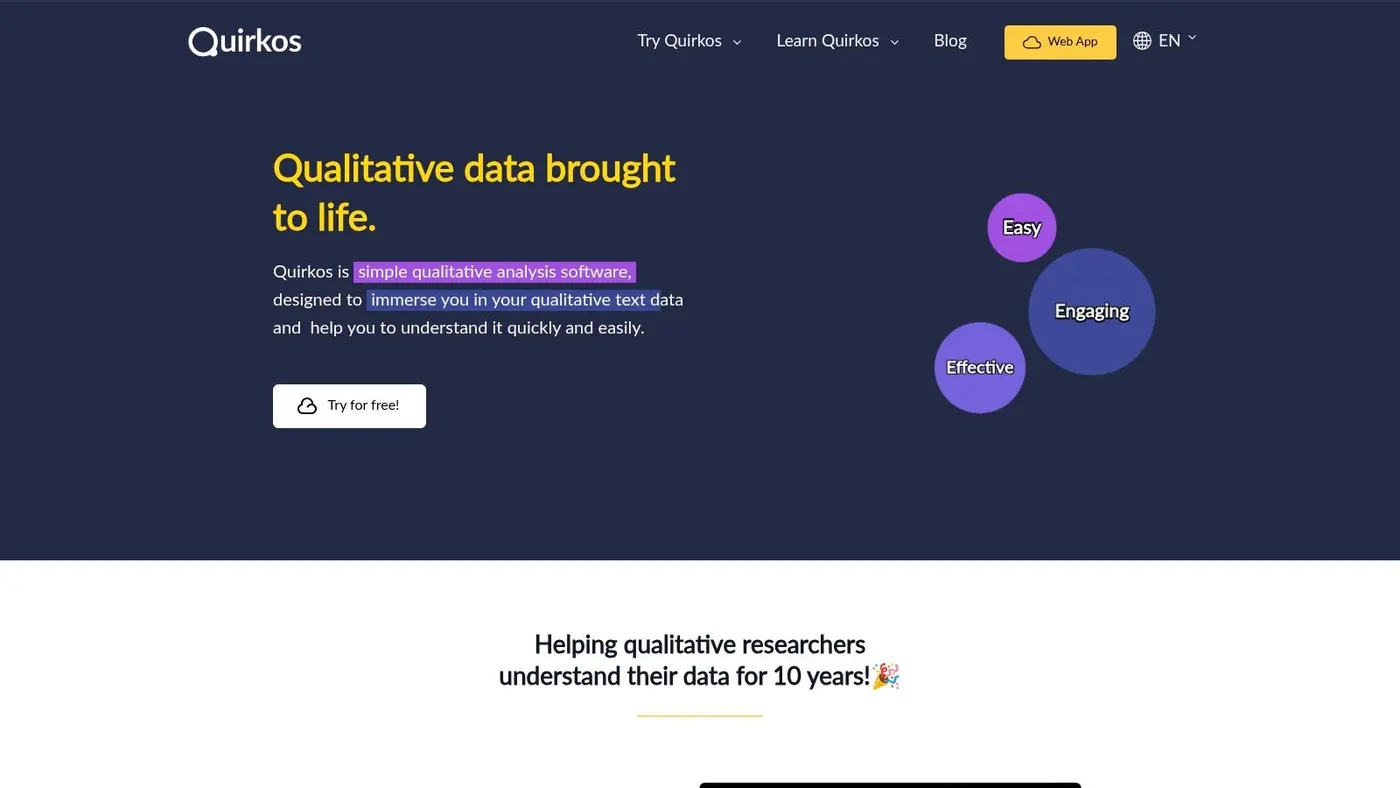
Quirkos is the tool I'd hand to a master's student, a small charity research team, or a public-sector team that needs to get comfortable with coding fast. It strips away much of the ceremony that makes larger CAQDAS platforms intimidating.
The signature bubble interface won't appeal to everyone, but it lowers the barrier to entry. New users usually grasp the basic logic quickly, and that matters when methodology confidence is still forming.
Best for students and small UK teams
Quirkos is based in Edinburgh, and its appeal in UK settings is practical. It offers both cloud and offline desktop options, live collaboration, and a generally approachable setup for people who don't want to spend weeks learning software before they can start analysing.
The trade-off is ceiling, not floor. It's easy to begin with, but if your coding framework becomes multi-layered or your project expands into complex mixed methods, you may outgrow it.
- Best fit: Solo dissertations, small team projects, teaching environments, and charities.
- What works well: Fast onboarding, clear visual coding, and a lighter cognitive load than heavyweight CAQDAS.
- What doesn't: Advanced querying and complex visual outputs are more limited than in NVivo or MAXQDA.
If your project is straightforward and your main risk is not analysing at all because the tool feels too heavy, Quirkos is often the better decision. You can find it at Quirkos.
6. Delve
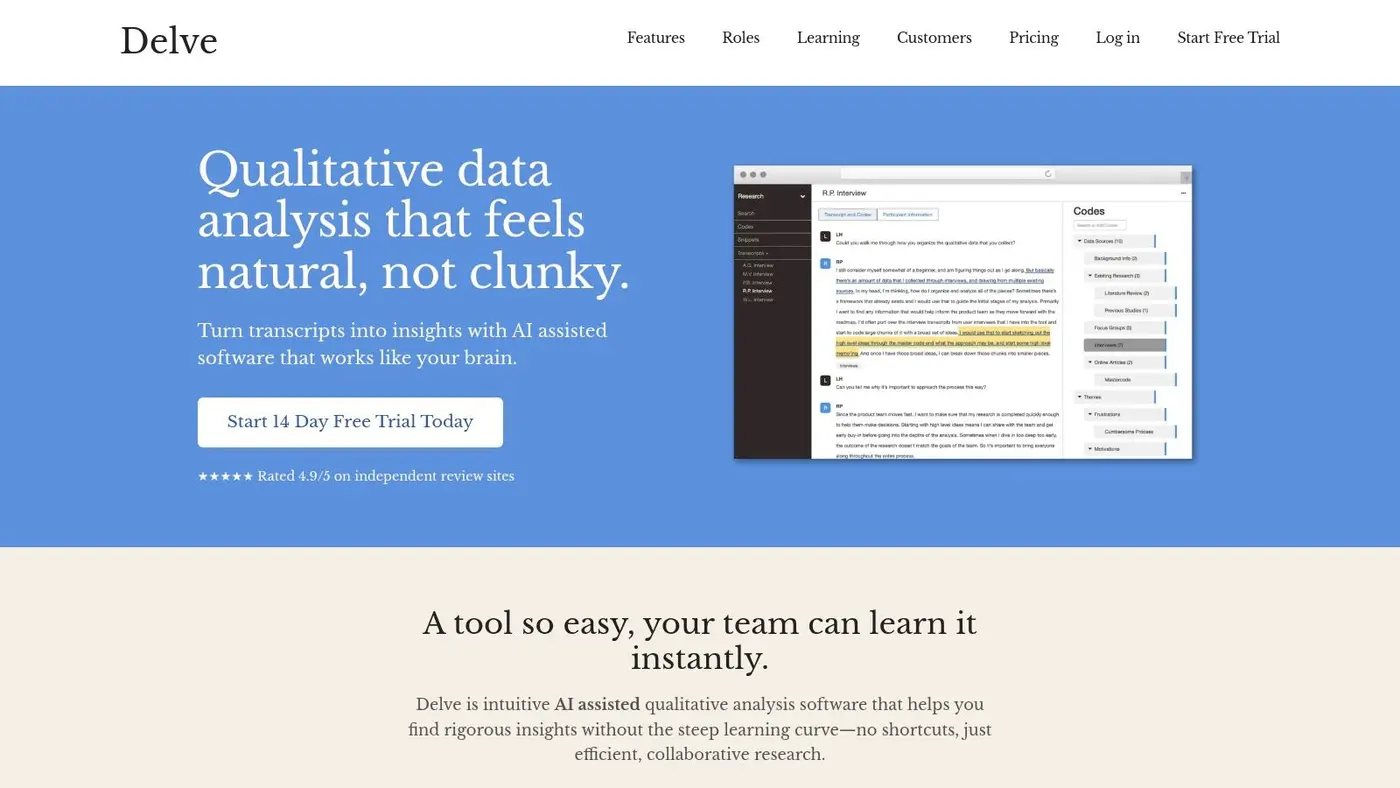
Delve is one of the easiest tools on this list to recommend to UX researchers, students, and anyone doing thematic analysis regularly but not at enterprise scale. Its design is focused on keeping coding work moving. That matters because many researchers don't need more features. They need less friction.
Where Delve stands out is workflow clarity. It gives you coding, memoing, collaboration, and AI-assisted support without feeling like a methods lab in software form.
Best for fast-moving UX and dissertation projects
If your team works in short cycles, Delve fits the rhythm well. You can code quickly, reorganise themes without a lot of interface overhead, and invite collaborators without turning setup into its own project.
I especially like it for UX teams that need a middle ground between spreadsheets and a full repository platform. It's also a good fit for dissertation work when the student wants structure but doesn't want to spend early weeks learning a more complex CAQDAS package.
The best lightweight tool is the one that keeps you close to the transcript instead of the interface.
The limitations are predictable. Delve isn't the strongest choice for advanced mixed methods, deep statistical linkages, or enterprise governance requirements. But that's fine. Most smaller projects don't need those things.
For focused thematic coding with a short learning curve, Delve is a very strong option. Its site is Delve.
7. Taguette
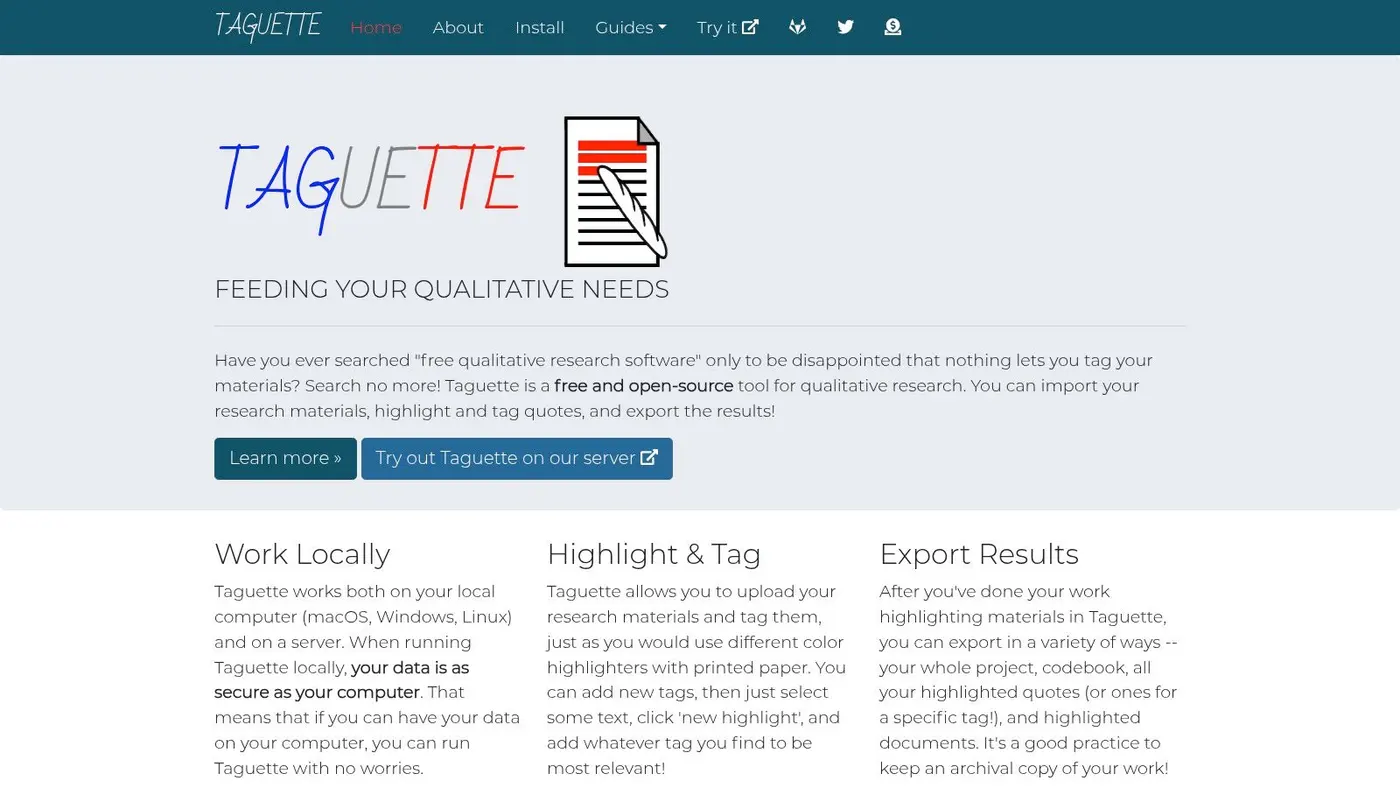
Taguette fills an important gap. Sometimes you need thematic analysis software, but the project has no software budget, procurement is slow, or the team wants open-source tooling for transparency and control. In those situations, Taguette is one of the first tools worth trying.
It handles basic text coding well enough for many small projects, and the self-hosting option is useful for technically capable teams that want to keep ownership of their setup.
Best for zero-budget teaching and NGO work
I wouldn't choose Taguette for media-heavy or analytically complex projects, but that's not its job. Its value is accessibility. Students, NGOs, and early-stage research teams can start coding without licence negotiations or commercial lock-in.
The main compromise is depth. You won't get the same advanced queries, visualisations, or broad feature set you'd expect from paid CAQDAS platforms.
- Best fit: Budget-constrained projects, introductory teaching, and lightweight transcript analysis.
- What works well: Free access, simple tagging, open formats, and the option to self-host.
- What doesn't: Limited support for richer multimedia workflows and less help with complex theme development.
If your choice is Taguette or no tool at all, Taguette wins easily. It's available at Taguette.
8. QDA Miner
QDA Miner is a more specialised recommendation. I'd shortlist it when a project sits between qualitative coding and quantitative text analysis, especially if the team is already comfortable in Windows and wants tighter links to content analysis workflows.
Its integration with WordStat is a key attraction. If your thematic analysis needs to connect with more formal text mining or content analysis later, QDA Miner has a clearer route than many general-purpose coding tools.
Best for Windows-based mixed analysis
Some researchers want software that treats coding as one stage in a broader analytical pipeline. QDA Miner is good for that kind of work. Survey imports, manual coding, and pattern analysis all sit in a setup that makes sense for mixed-methods users.
The weakness is obvious from the start. A Windows-only desktop application is limiting for many modern teams. If half your collaborators are on Macs, this tool becomes harder to justify unless the WordStat link is central to the project.
QDA Miner Lite also gives students and small projects a way to try the environment without committing immediately, which is useful when teams need to test fit before standardising. The full product line is at QDA Miner by Provalis Research.
9. Transana
Most thematic analysis software is built around text first. Transana is different. It's for people whose real data lives in audio and video, not just in cleaned transcripts. If you analyse usability sessions, focus groups, classroom footage, or recorded interviews where timing and interaction matter, that difference is significant.
This is not the most general tool here. It's one of the most purpose-built.
Best for audio and video-heavy research
Transana shines when the transcript alone isn't enough. You can work with clips, layered transcripts, and media-focused search and reporting in a way that text-led tools often treat as secondary.
That makes it a strong fit for usability researchers and anyone doing close analysis of recorded interaction. A transcript may tell you what was said, but the video often shows hesitation, interruption, confusion, or workaround behaviour that changes the interpretation.
If the evidence is in the footage, don't force it into a text-first tool.
For plain text-only projects, I'd usually choose something else. But for rich media work, Transana solves problems that broader CAQDAS tools don't handle as elegantly. The platform is Transana.
10. Dovetail
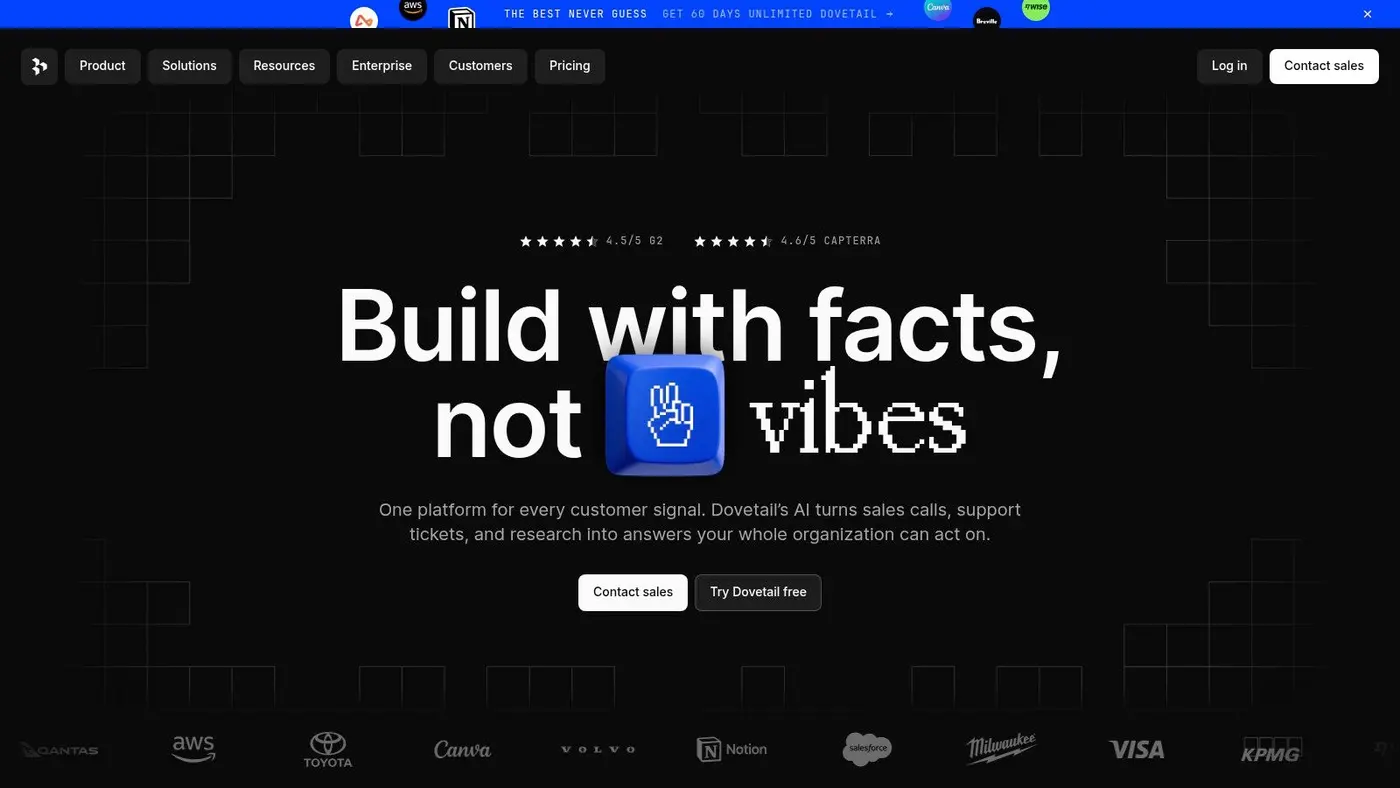
Dovetail is the best fit on this list for product and UX teams that need analysis plus a shared research repository. It doesn't feel like traditional academic CAQDAS, and that's the point. It's designed for cross-functional work where researchers, designers, product managers, and stakeholders all need access to evidence.
If your team wants interviews, support tickets, survey verbatims, highlights, and themes in one place, Dovetail is usually easier to operationalise than a classic desktop coding package.
Best for cross-functional product research
The strength of Dovetail is socialisation. You can tag data, cluster insights, use AI-assisted support, and share findings in a way that non-researchers effectively engage with. That matters in product organisations where insight only matters if the rest of the team can find and use it.
Its governance and repository features also make it a good option for research operations teams trying to avoid duplicate studies and fragmented evidence.
The trade-off is methodological depth. If you need the most advanced CAQDAS-style querying, NVivo or MAXQDA still go further. Dovetail is better when the main problem is making research visible and reusable across a business.
There's also a wider market signal behind this category. Independent market research projects the broader qualitative data analysis software market at USD 1.77 billion in 2026 and USD 3.13 billion by 2035 globally, which isn't UK-specific but does indicate sustained demand for tools in this space (global qualitative data analysis software market projection).
For product teams, Dovetail fits the modern repository model well. You can explore it at Dovetail.
Top 10 Thematic Analysis Software: Feature Comparison
| Tool | Core & Key Features ✨ | UX & Quality ★ | Pricing / Value 💰 | Target Audience 👥 | Standout / Unique 🏆 |
|---|---|---|---|---|---|
| NVivo (Lumivero) | ✨ Rich coding, advanced queries, mixed-methods imports, cloud collab | ★★★★★ | 💰 $$ (tiered + add-ons) | 👥 Researchers, govt, large UX teams | 🏆 Most-cited CAQDAS; defensible, publication-grade analysis |
| ATLAS.ti | ✨ Coding, network views, concept mapping; desktop + web | ★★★★☆ | 💰 $-$$ (variable; sales quotes) | 👥 Academic & commercial distributed teams | 🏆 Flexible deployment; strong visual relationship tools |
| MAXQDA | ✨ Parity Mac/Windows, visualization & reporting, Analytics Pro | ★★★★☆ | 💰 $ (license variants & add-ons) | 👥 Academics, businesses, students | 🏆 Consistent UX across OS; clear licence categories |
| Dedoose | ✨ Cloud collaboration, role permissions, interactive viz | ★★★★ | 💰 $ (pay-for-active-months = cost-effective) | 👥 Agencies, lean teams, sprint analyses | 🏆 Economical for intermittent use; browser access |
| Quirkos | ✨ Visual "bubble" coding, cloud + offline, UK pricing option | ★★★☆ | 💰 $ (low-cost; GBP options) | 👥 Small teams, students, charities | 🏆 Very approachable & fast to learn for teaching |
| Delve | ✨ Lightweight browser tool, AI code suggestions, unlimited projects | ★★★★ | 💰 $-$ (month-to-month, edu discounts) | 👥 Small UX/product teams, students | 🏆 Fast coding with AI assist + free thematic course |
| Taguette (OSS) | ✨ Self-host or hosted, color-coded tagging, open-format exports | ★★★☆ | 💰 Free (open-source) | 👥 Students, NGOs, budget teams | 🏆 No-cost, easy to teach; export-friendly open formats |
| QDA Miner (Provalis) | ✨ Manual coding, WordStat integration, survey imports, Lite version | ★★★★ | 💰 $ (Windows-only; contact sales; Lite free) | 👥 Mixed-methods researchers, students | 🏆 Strong integration with quantitative text-mining tools |
| Transana | ✨ Multi-stream media analysis, layered transcripts, clip creation | ★★★★ | 💰 $ (perpetual licences) | 👥 Usability researchers, focus groups, media projects | 🏆 Best-in-class for audio/video-rich analysis |
| Dovetail | ✨ Central research repo, transcription, AI clustering, insight sharing | ★★★★☆ | 💰 $-$$ (scales with contributors) | 👥 Product, UX & research ops teams | 🏆 Designed for cross-functional teams & stakeholder sharing |
How to Choose Your Ideal Thematic Analysis Tool
The best thematic analysis software isn't the one with the longest feature list. It's the one that matches the way your project works. That usually comes down to a few practical questions. How much data do you have? Are you working alone or with a team? Do you need a formal audit trail, or do you mainly need to move from transcript to insight without getting stuck in the mechanics?
For rigorous academic work, NVivo and MAXQDA remain the safest recommendations. They're well suited to projects where coding decisions need to be transparent, documented, and revisitable. If you're doing a thesis, funded research, public-sector evaluation, or any study that may face methodological scrutiny, those tools justify their complexity. They ask more of the user, but they also give more back when the analysis has to be defended in detail.
If your workflow is collaborative and fast-moving, the picture changes. Dovetail and Delve are better choices for UX and product research teams that need to synthesise interviews quickly and share findings with people outside the research function. Dedoose also makes sense when collaboration is central and the work happens in active project windows rather than as a permanent research infrastructure.
Budget matters too. Students, charities, and NGOs often don't need the heaviest CAQDAS package. They need something they can learn quickly and afford realistically. Quirkos is strong when ease of use matters more than analytical breadth. Taguette is the obvious fallback when the budget is effectively zero but the team still needs a proper coding environment rather than improvised highlighting in documents.
Project format should drive the decision as much as team size. If your material is mainly text, most tools here can handle the basics. If your evidence lives in video, audio, or interaction clips, Transana deserves serious attention because it's built around media rather than treating it as an add-on. If your work blends thematic coding with more quantitative text analysis, QDA Miner becomes more attractive, especially in Windows-based environments.
There's also no shame in deciding you don't need software yet. For a small, contained study, a simple Word-based process may still be enough, as noted earlier. A key trigger for dedicated software is usually one of four things: the dataset has become too large to track manually, multiple coders need to stay aligned, you need stronger retrieval and comparison, or the project requires a more defensible audit trail.
My strongest advice is simple. Don't choose from a homepage. Choose from a sample project. Put one or two transcripts, some survey comments, or a short set of user interviews into the trial version and try to do real work. Create codes, merge them, write memos, pull excerpts back out, and imagine doing that for the full study. The friction you feel in that first hour is often more informative than any feature grid.
If you're also thinking about where AI-assisted analysis fits into your workflow, this piece on implementing AI data agents is a useful next read. AI can accelerate parts of synthesis, but it doesn't remove the need for a tool that fits your method, your team, and the kind of evidence you need to stand behind.
If you care about turning research insights into better-performing pages, Otter A/B is worth a look. It gives growth teams, CRO specialists, product managers, and agencies a lightweight way to test headlines, CTAs, and layouts without slowing the site down. That's a useful complement to qualitative research: thematic analysis tells you what users are struggling with, and Otter A/B helps you validate which messaging or design change improves behaviour.
Stop guessing
Ready to start testing?
Set up your first A/B test in under five minutes. No credit card required.
- 14-day free trial
- No credit card required
- Cancel anytime